


Sandbox mode and the Professional trial
Sandbox mode
Sandbox mode is where you land if you skip the 14-day Professional trial. It's built for testing, not production sending. You get:
100 emails a month, with a cap of 100 API requests a day
A trial domain you can use right away, or your own domain once verified
1 domain (plus the trial domain), 1 API token, 1 webhook, 1 SMTP user and 1 template
Bulk emailing included
1 day of activity data retention
You can send to any 2 recipients in Sandbox mode, until your account is approved, after which your 100 monthly emails can go to any recipient. Sandbox mode is built for testing the basics rather than advanced features like request logs, custom headers, email verification, SMS or add-ons. If anything's unclear, our support team is happy to help.
There's no time limit, so you can stay in Sandbox mode for as long as you like. Ready to send to more than 2 recipients? You have a few options:
Get approved. Submit your account for approval from your dashboard, no payment method needed, and the recipient limit lifts.
Start your 14-day Professional trial. Click Start 14-day trial in the banner at the top of your dashboard (payment method verification only, no charge).
Subscribe directly. Click the Upgrade now button to choose a plan.

The Professional trial
If you're ready to test MailerSend with real recipients and the full feature set, you can start your 14-day Professional trial by adding a payment method and clicking Start free trial on the pop-up you'll see at signup or login.
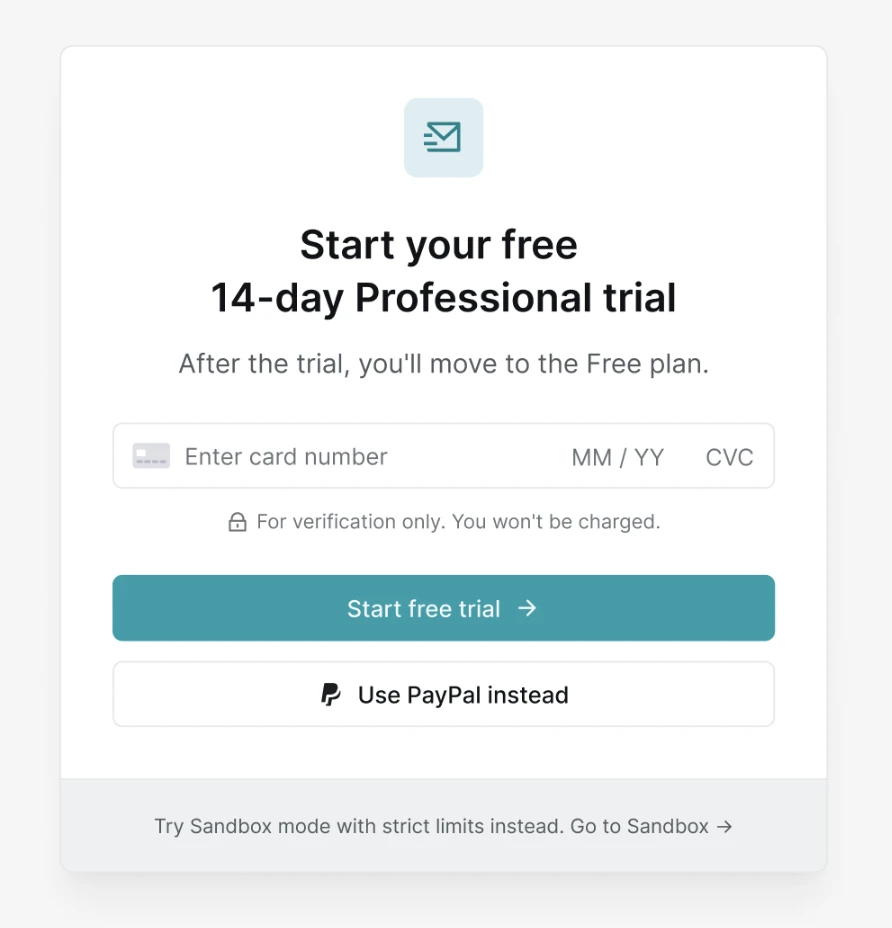
Already in Sandbox mode? You can redeem your trial anytime by clicking Start 14-day trial in the banner at the top of your dashboard.
Either way, we only use your payment method to verify it. You won't be charged during the trial, and if you don't upgrade before your 14 days are up, your account moves to the Free plan.
Once activated, your trial gives you nearly everything Professional includes:
Unlimited sending domains
Unlimited API tokens and SMTP users (20 users/domain)
Unlimited webhooks and sender identities
Unlimited dynamic email templates
Custom header support
API logs retention
Email activity data retention (30 days)
Email and live chat support
The trial scales down a few things:
500 emails a month and 100 API requests a day
1 user seat (Professional includes unlimited seats)
1 day of API log retention (Professional includes 7 days)
Add-ons and logo removal aren't included
You'll see a countdown in the sidebar showing how many days are left on your trial.
What happens when the trial ends?
If you haven't chosen a plan by the time your 14 days are up, your account moves to the Free plan. We only use your payment method to verify your card or PayPal account. You won't be charged automatically.
If any of your resources, domains, API tokens, SMTP users and more, exceed the limits of your new plan, we'll ask you to choose which ones to keep active. Domains you don't select are paused rather than removed, so you can reactivate them if you upgrade again later.
Can I start a new trial after my current one ends?
Each customer can activate one Professional trial. Creating a new account won't unlock a second one.
Need more info?
Please feel free to contact us at support@mailersend.com and a member of our support team will gladly assist you.