


DMARC monitoring service
Get full visibility into your domain’s email sending activity to quickly fix authentication issues, identify unauthorized senders, and protect your domain reputation.

DMARC reports made simple

Instant DMARC record generation
Add your domain and we’ll create a DMARC record for you. Easily customize the settings as you adapt your policy.

From raw data to actionable insights
We’ll turn the raw reports from mailbox providers into easy-to-read insights in your monitoring dashboard.

Quickly view authentication results
Easily see where SPF, DKIM authentication and alignment have passed and failed, and the domains being used.

Filtering by applied policy
Filter sending activity by applied policy for better visibility into spoofing attempts and assessment of enforcement impact.
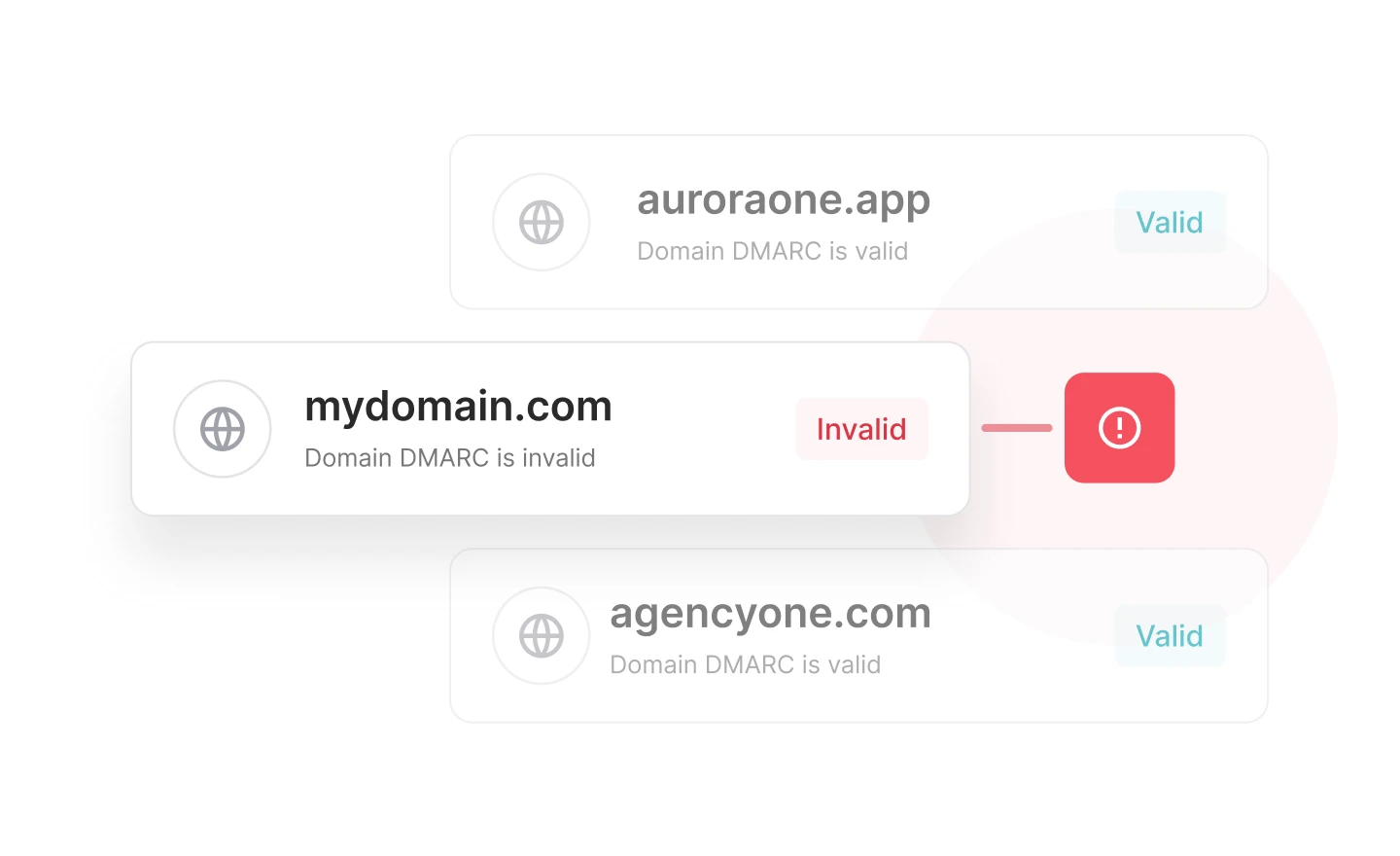
Protect your sending power
Identify sending issues before they impact your domain reputation and email deliverability. Get insights into the exact sending sources that have failed and why.
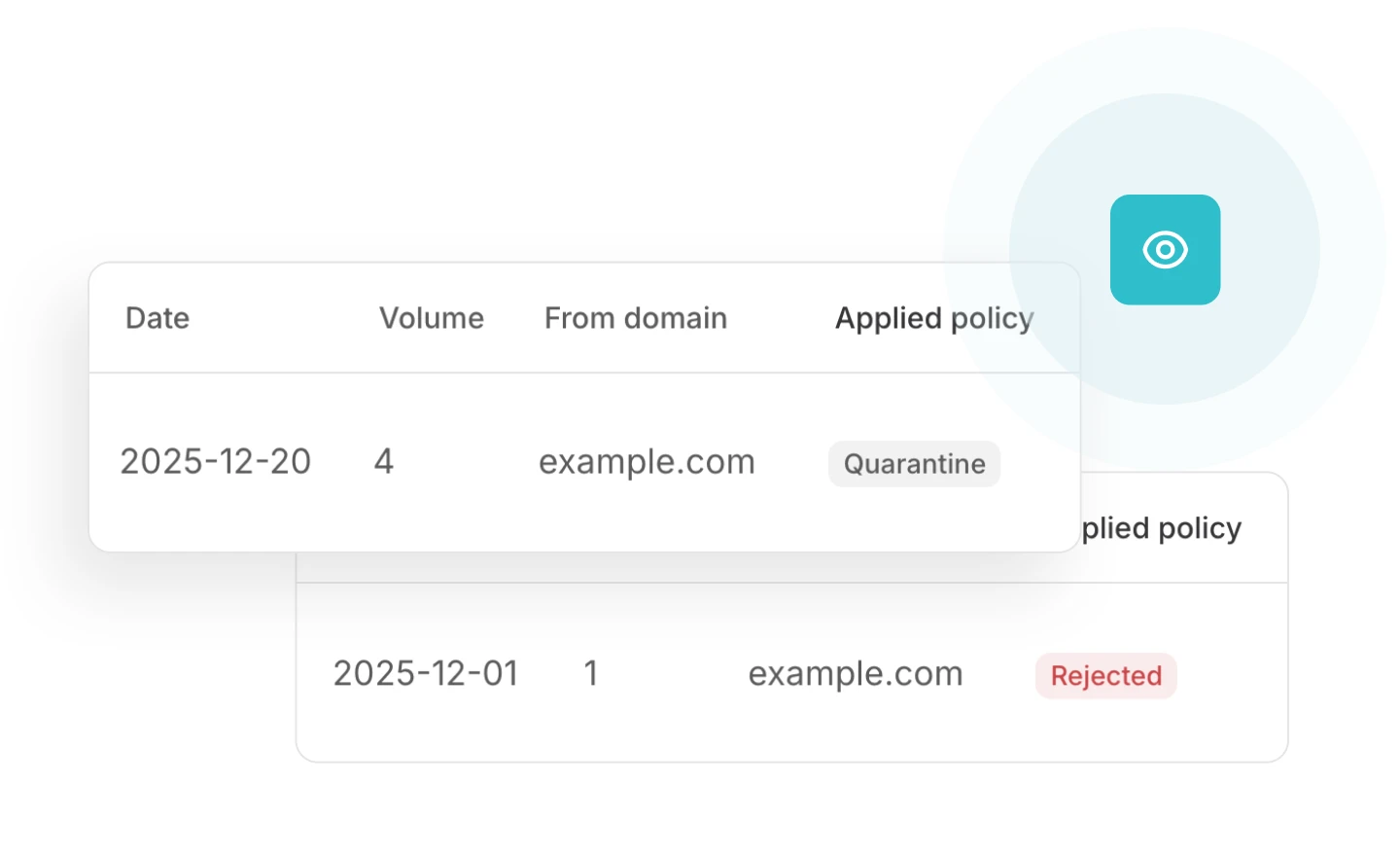
Stop spoofers in their tracks
Increase email security by protecting your domain and recipients against phishing and spoofing attacks with full, real-time visibility into unauthorized sending sources.
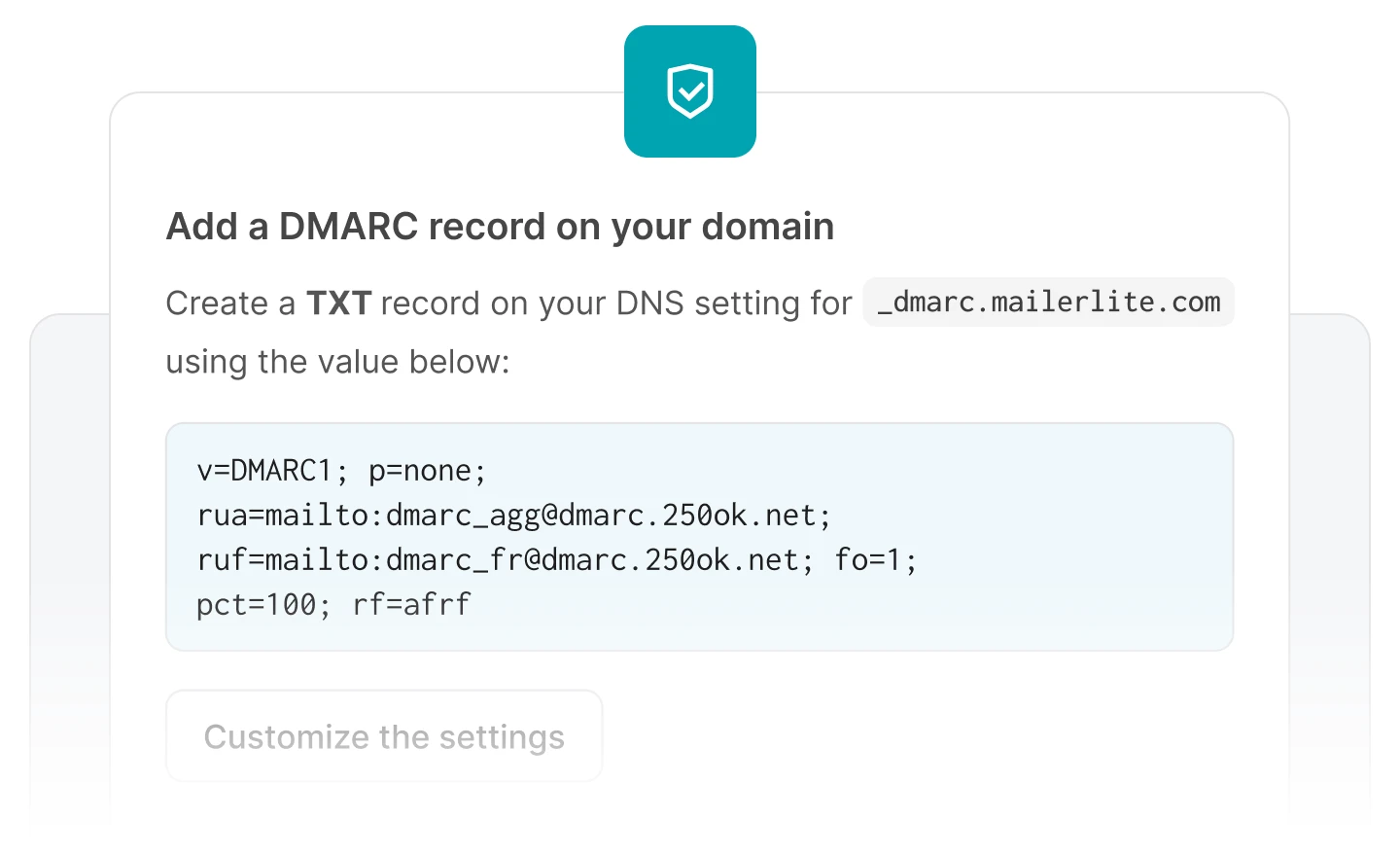
Transition to stronger DMARC protection
Use DMARC insights to optimize your configuration and safely move toward a stricter policy, protecting your domain without impacting deliverability.
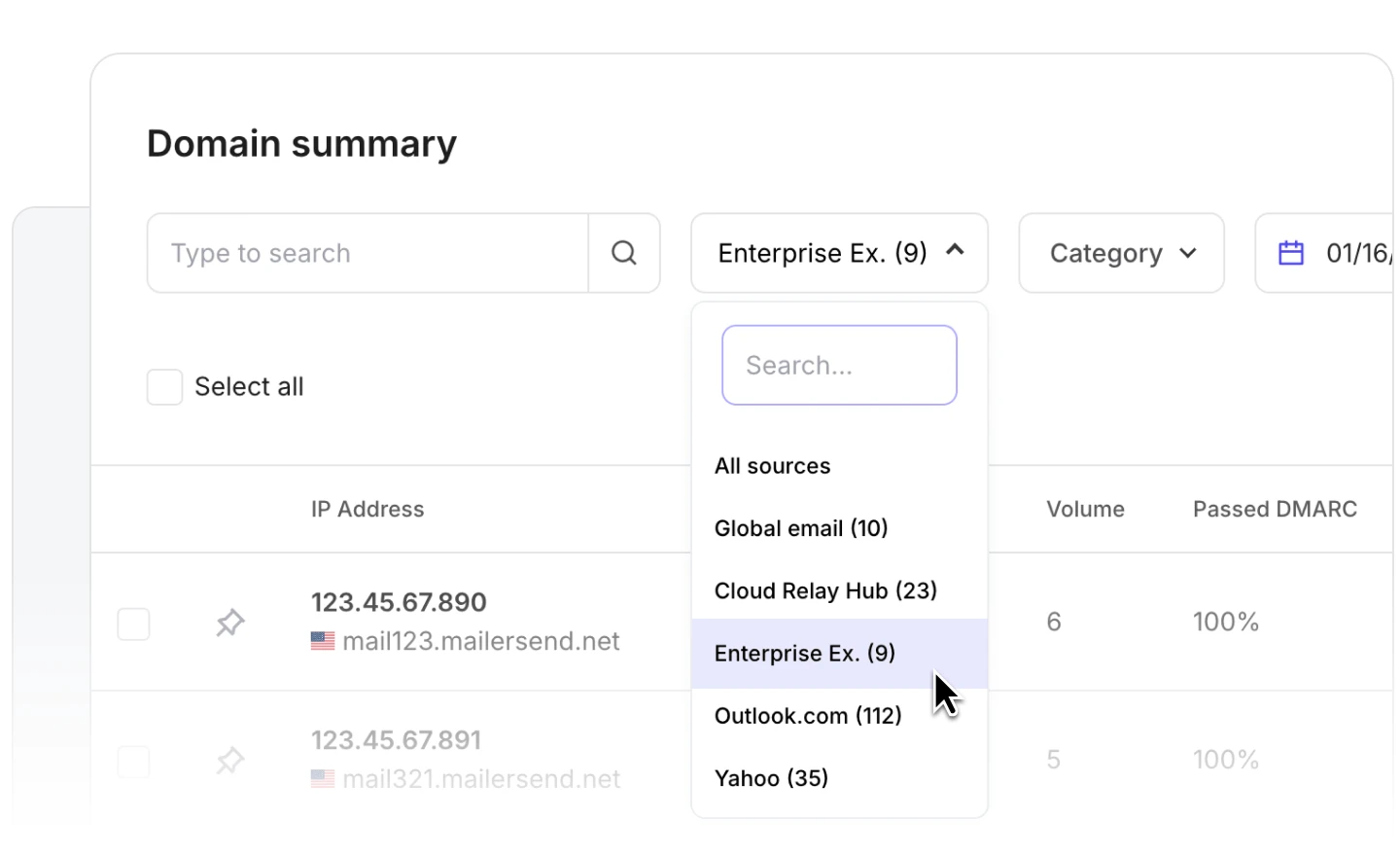
Track message volumes by sending source
Easily see the IPs and third-party services with the highest message volumes so you can optimize your configuration and spot irregular sending patterns fast.

Customer support you can count on
Our award-winning customer support team is quick to respond and ready to assist, whether you need help getting started or using advanced features.
More monitoring tools for easy troubleshooting
-
![]()
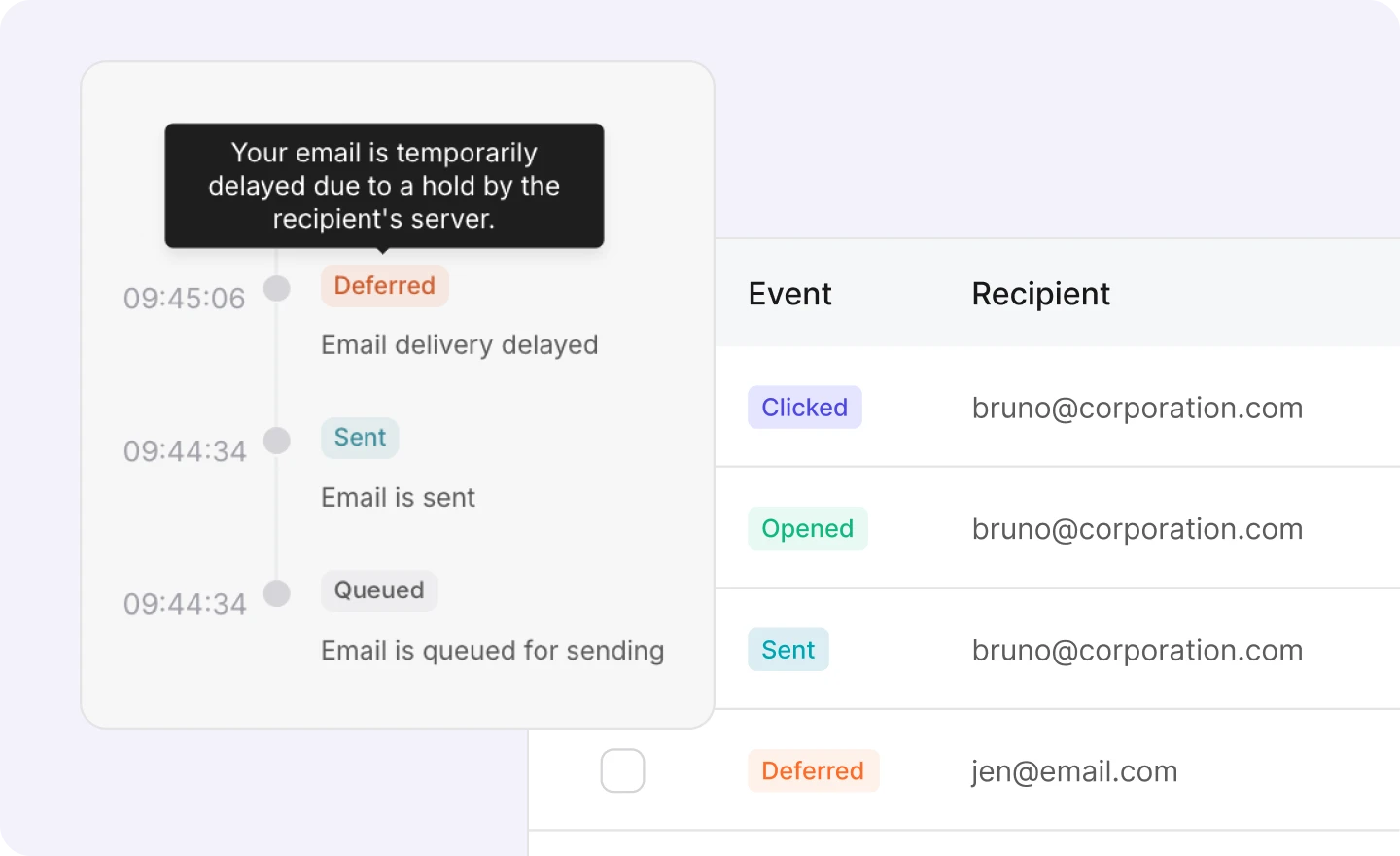
Real-time email activity
From queued to clicked, view the activity status of every email you send, and see the exact error messages for failed deliveries. -
![]()
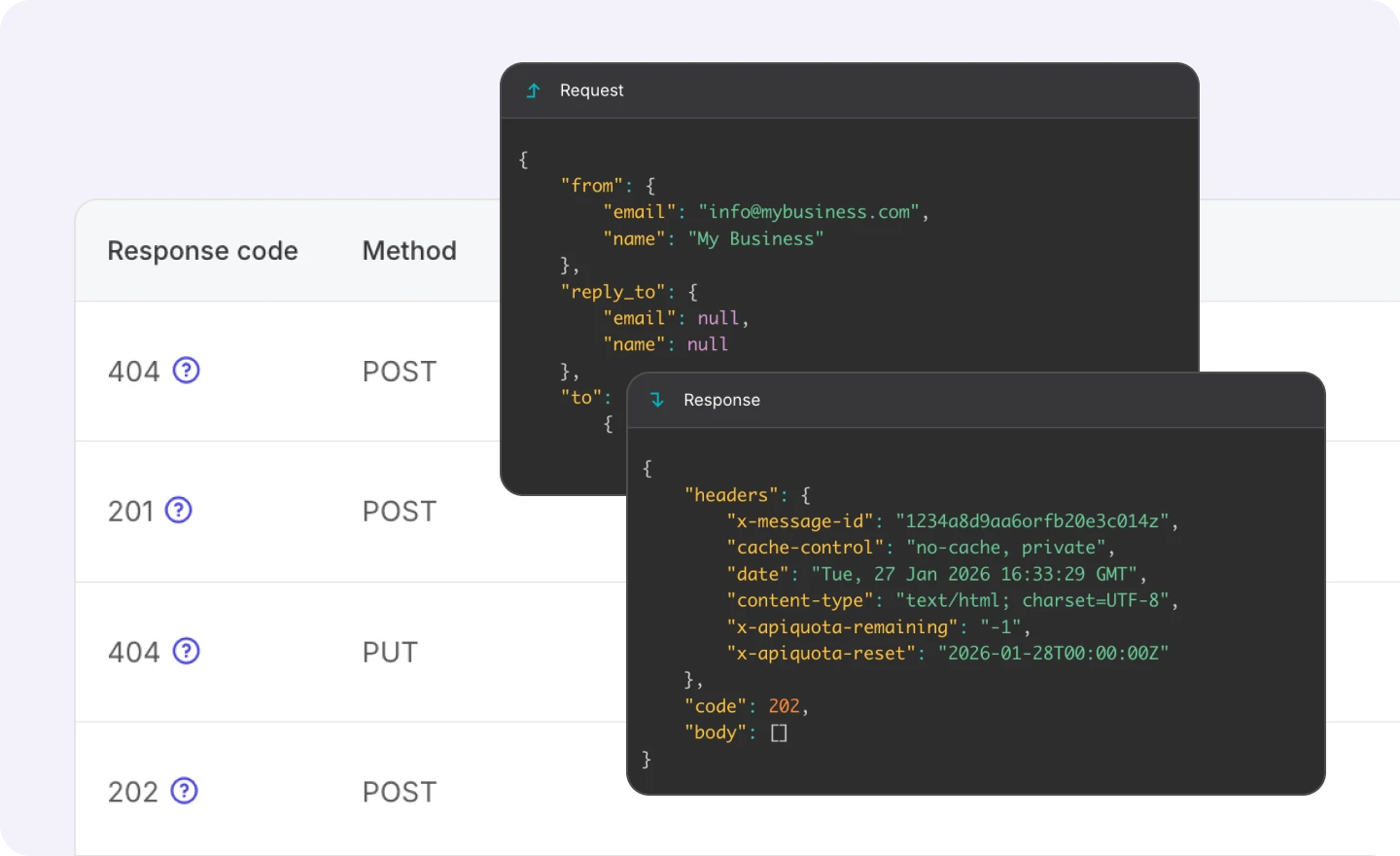
API and SMTP logs
Get full visibility into every API and SMTP request, including the response, endpoint, IP address, and user agent. -
![]()
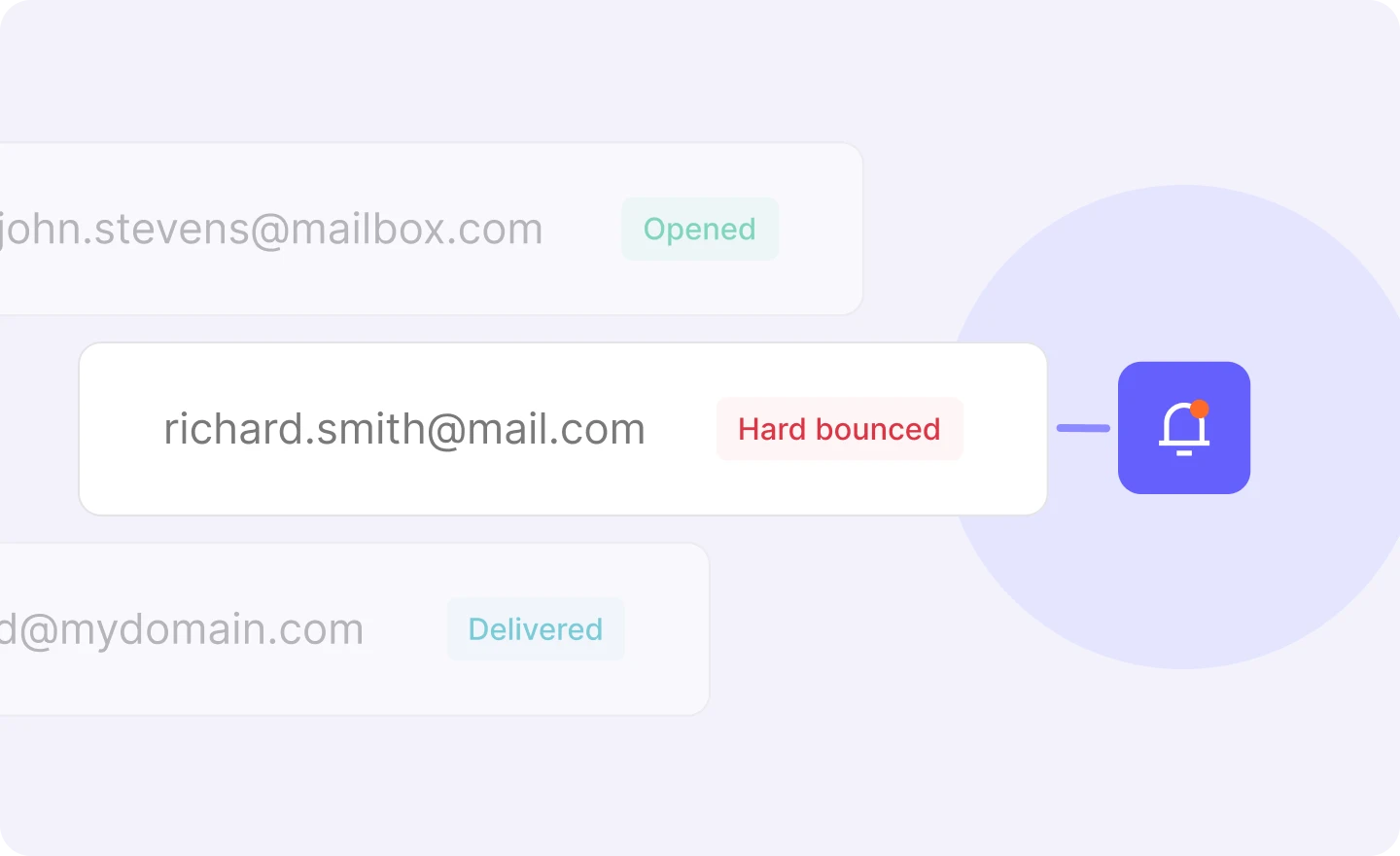
Webhook notifications
Use webhook events for email delivery, spam complaints, bounces and more to get real-time notifications about potential sending issues.

Powering the messages your business depends on

Email API & SMTP
Fast, reliable email delivery you can integrate in minutes. Get more features and flexibility with the advanced API and official SDKs or use SMTP for simpler setups.

Transactional SMS API
Send transactional messages via text with high-volume, toll-free SMS sending and your own unique phone number. (U.S & CA)

Email analytics
Track overall performance or dig into the metrics that drive your strategy. Create custom reports for clients and stakeholders in a few clicks.

Inbound routing
Process incoming messages, parse the content, and forward it to other apps and emails. Improve your workflows and customer communication.
Explore all features
 Dynamic email templates

Build one-to-one customer relationships on a mass scale using a single email template.
Multiple domains

Use multiple domains to manage different brands or products with one MailerSend account.
User management

Invite your team members to collaborate on projects by assigning roles and granting permissions.
Drag and drop builder

Our drag & drop email editor empowers you to create professionally-designed transactional emails.
Email verification

Verify a single email address or upload an entire email list to verify in bulk.
Suppressions lists
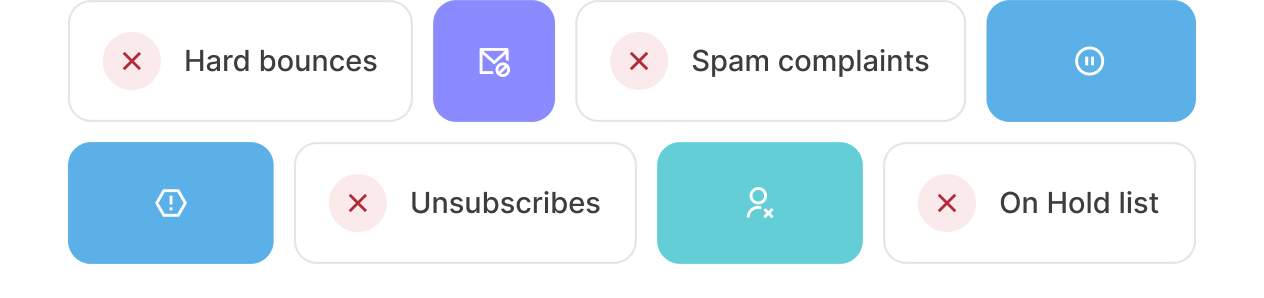
Protect your sending reputation by adding email addresses and domains that you should not send to.
And much more to deliver, every single time

FAQs
What is a DMARC policy?
A DMARC policy is a set of rules and instructions that a domain owner publishes as a DNS record to tell mailbox providers how to handle messages that fail authentication checks. Implementing DMARC helps to prevent email spoofing and phishing attacks and maintain good deliverability by specifying that no action should be taken/the message is simply monitored (p=none), the message should be quarantined (sent to spam, p=quarantine), or blocked completely (p=reject).
How do I read DMARC reports?
DMARC aggregate reports provide information about the DMARC, SPF and DKIM record authentication status of all emails that go through the authentication process. These reports are forwarded by mailbox providers in XML format, and include information such as sending source IP, authentication results, and applied policy. MailerSend’s DMARC monitoring tool converts this data into an easily readable format on the DMARC dashboard, highlighting authentication failures and providing recommendations on what to improve. You can learn more about how to read DMARC reports in our guide.
What are "Forensic" vs "Aggregate" reports?
Forensic reports contain information about authentication failures, and contain sensitive information forr troubleshooting, sometimes including parts of the message body and email headers. Aggregate reports provide information about all emails that go through the authentication process, regardless of whether they pass or fail. They do not contain any sensitive information but they do provide important details for monitoring domain activity.
How do you monitor DMARC enforcement status across all domains?
To monitor DMARC for multiple domains, you’ll need to add each domain individually. In MailerSend, Professional plans can add up to 10 domains. Starter plans can add 1 domain to try out the feature for 30 days. If you’d like to continue using the feature or need to add more domains, you can purchase up to 10 more domains via the Domain monitor add-on for $2 per domain.
What tools provide actionable insights from DMARC reports?
MailerSend’s DMARC analyzer turns the raw data provided in DMARC reports from mailbox providers into easy-to-read, actionable insights, with recommendations for how to improve authentication.
What is the difference between Relaxed and Strict alignment?
Relaxed DKIM or SPF record alignment means that the organizational domain must be the same, in other words, subdomains will pass. For example, yourdomain.com and email.yourdomain.com count as a match. Strict alignment means that the domains must match exactly, so yourdomain.com and email.yourdomain.com will not match and the alignment will fail.
Why is my status showing "Mismatch"?
If the DMARC monitoring tool is showing your email domain’s status as Mismatch, it means that the DMARC record published on your domain's DNS does not match the record in MailerSend. Check out our DMARC monitoring guide and follow the steps to correctly set up your DMARC record.
Can I apply a policy to only some of my emails?
Yes, you can customize the settings of your DMARC record and set the desired percentage of emails that you want your policy to apply to. Learn more in our DMARC monitoring guide.
What are the KPIs to track for email authentication projects?
For email authentication projects, you’ll want to track SPF, DKIM and DMARC pass rates, volume by mail source, failure rate by source, authentication failures, number of rejected/quarantined emails, and inbox placement rates.