


An agency solution for effortless control of clients’ email
Keep your clients happy with a reliable transactional email solution, while simplifying multi-brand email management with a single, team-friendly account.


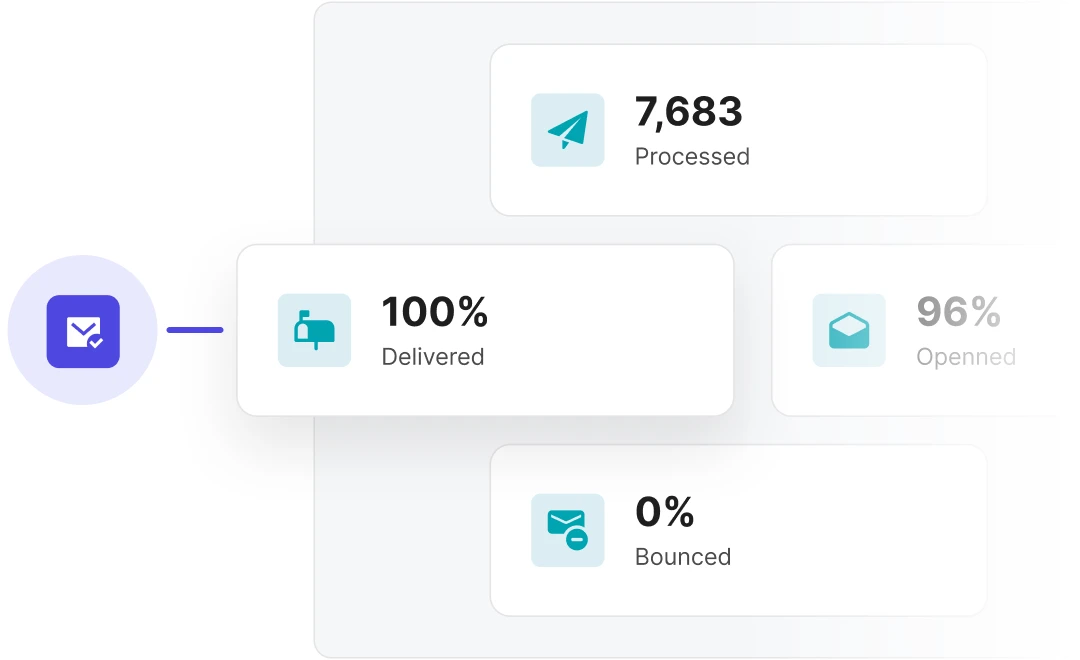
A platform you and your clients can count on
We understand that your top priority is to keep your clients happy and avoid critical issues. With our dedicated deliverability experts and 99.99% standard uptime (99.5% SLA), you can rest assured that their email is in good hands.
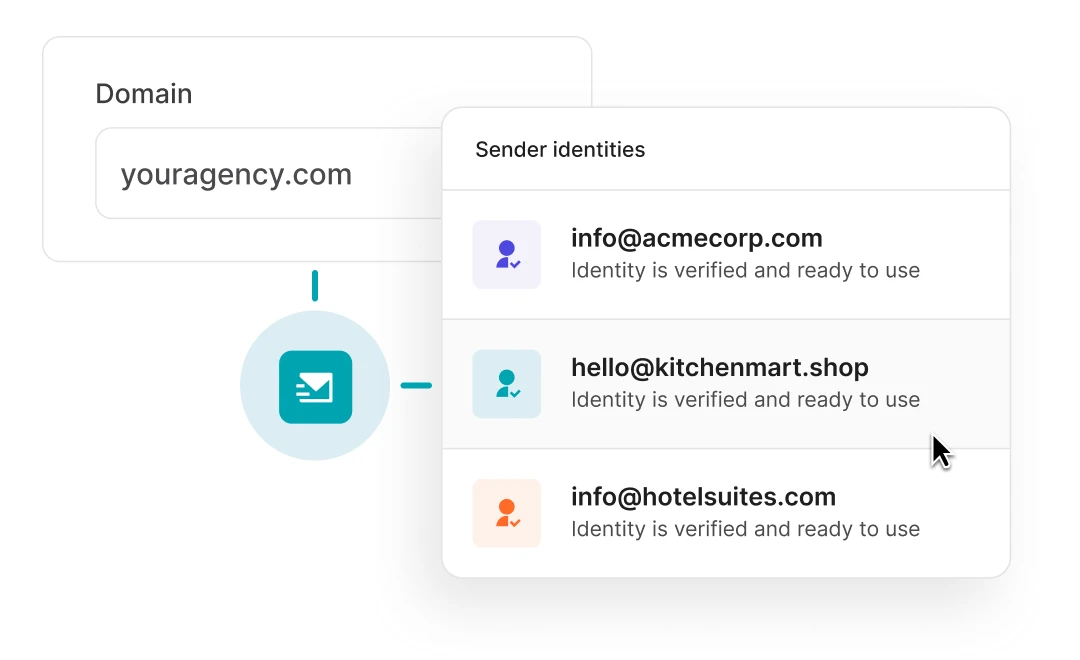
One account, multiple clients
Add clients’ domains while keeping settings, files, and reporting separate. Or keep it simple with sender identities: send on your clients’ behalf with their verified email addresses. No domain authentication needed.
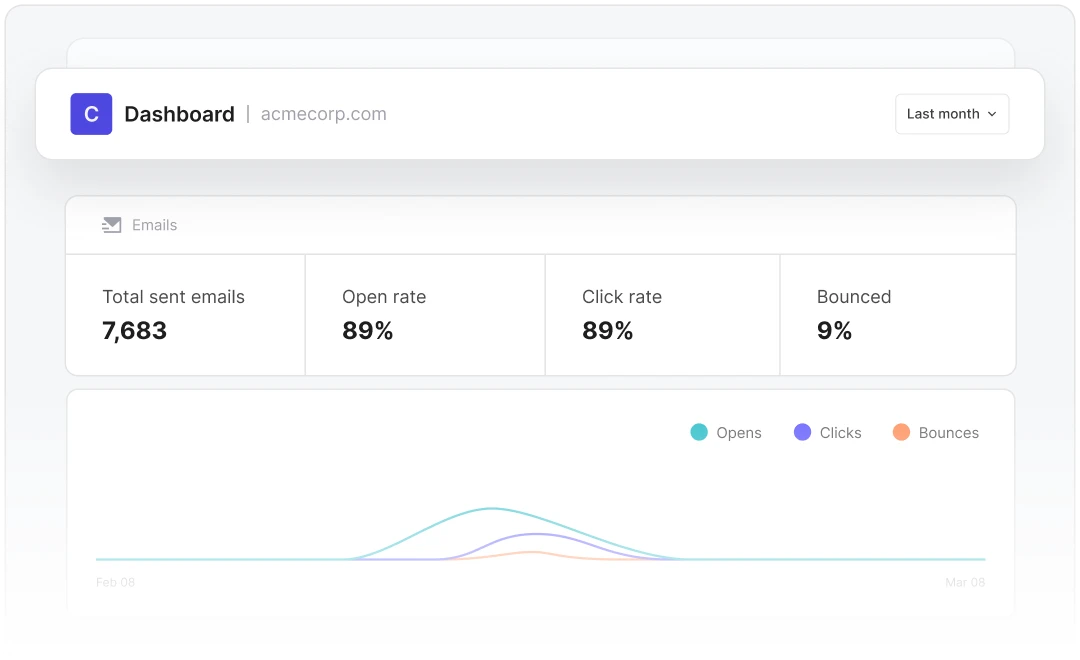
Create API-powered client dashboards
Build white-label dashboards and management interfaces for team members and clients, so they can view reports and activity, add domains, send an email, and more.
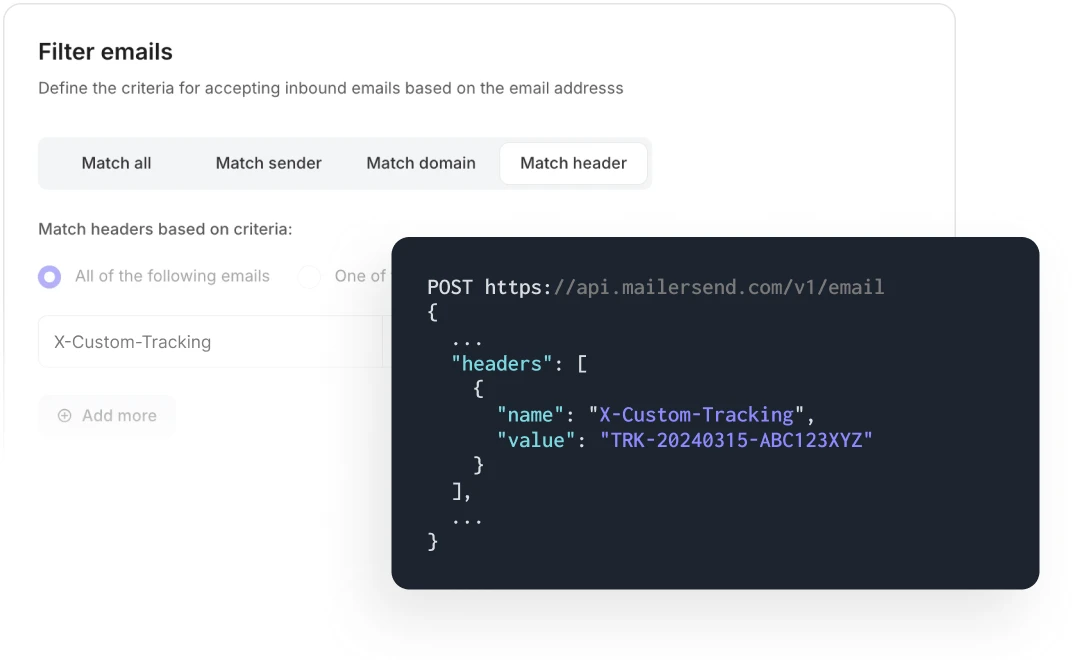
Customize message behaviour
Use custom headers for tagging specific emails and adding custom tracking codes and other metadata to improve email management, reporting, and efficiency.
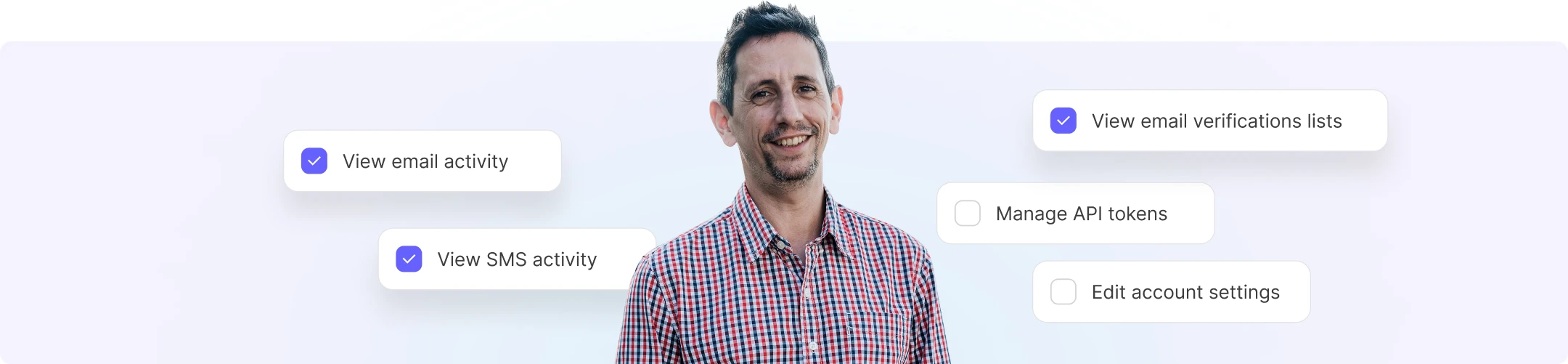
Control access with custom permissions
Super precise access controls enable you to invite clients to view or manage their emails without gaining access to other clients’ domains, settings, and more. Give as little or as much access as you need.
SDKs your developers will love
curl -X POST \
https://api.mailersend.com/v1/email \
-H 'Content-Type: application/json' \
-H 'X-Requested-With: XMLHttpRequest' \
-H 'Authorization: Bearer {place your token here without brackets}' \
-d '{
"from": {
"email": "your@email.com"
},
"to": [
{
"email": "your@client.com"
}
],
"subject": "Hello from MailerSend!",
"text": "Greetings from the team, you got this message through MailerSend.",
"html": "Greetings from the team, you got this message through MailerSend.
"
}'import { MailerSend, EmailParams, Sender, Recipient } from "mailersend";
const mailerSend = new MailerSend({
api_key: "key",
});
const sentFrom = new Sender("you@yourdomain.com", "Your name");
const recipients = [
new Recipient("your@client.com", "Your Client")
];
const emailParams = new EmailParams()
.setFrom(sentFrom)
.setTo(recipients)
.setReplyTo(sentFrom)
.setSubject("This is a Subject")
.setHtml("This is the HTML content")
.setText("This is the text content");
await mailerSend.email.send(emailParams);$mailersend = new MailerSend();
$recipients = [
new Recipient('your@client.com', 'Your Client'),
];
$emailParams = (new EmailParams())
->setFrom('your@email.com')
->setFromName('Your Name')
->setRecipients($recipients)
->setSubject('Subject')
->setHtml('Greetings from the team, you got this message through MailerSend.')
->setText('Greetings from the team, you got this message through MailerSend.');
$mailersend->email->send($emailParams);php artisan make:mail ExampleEmail
Mail::to('you@client.com')->send(new ExampleEmail());from mailersend import MailerSendClient, EmailBuilder
ms = MailerSendClient()
email = (EmailBuilder()
.from_email("sender@domain.com", "Your Name")
.to_many([{"email": "recipient@domain.com", "name": "Recipient"}])
.subject("Hello from MailerSend!")
.html("Hello World!
")
.text("Hello World!")
.build())
response = ms.emails.send(email)require "mailersend-ruby"
# Intialize the email class
ms_email = Mailersend::Email.new
# Add parameters
ms_email.add_recipients("email" => "your@client.com", "name" => "Your Client")
ms_email.add_recipients("email" => "your@client.com", "name" => "Your Client")
ms_email.add_from("email" => "your@domain.com", "name" => "Your Name")
ms_email.add_subject("Hello!")
ms_email.add_text("Greetings from the team, you got this message through MailerSend.")
ms_email.add_html("Greetings from the team, you got this message through MailerSend.")
# Send the email
ms_email.sendpackage main
import (
"context"
"os"
"fmt"
"time"
"github.com/mailersend/mailersend-go"
)
func main() {
// Create an instance of the mailersend client
ms := mailersend.NewMailersend(os.Getenv("MAILERSEND_API_KEY"))
ctx := context.Background()
ctx, cancel := context.WithTimeout(ctx, 5*time.Second)
defer cancel()
subject := "Subject"
text := "This is the text content"
html := "This is the HTML content
"
from := mailersend.From{
Name: "Your Name",
Email: "your@domain.com",
}
recipients := []mailersend.Recipient{
{
Name: "Your Client",
Email: "your@client.com",
},
}
// Send in 5 minute
sendAt := time.Now().Add(time.Minute * 5).Unix()
tags := []string{"foo", "bar"}
message := ms.Email.NewMessage()
message.SetFrom(from)
message.SetRecipients(recipients)
message.SetSubject(subject)
message.SetHTML(html)
message.SetText(text)
message.SetTags(tags)
message.SetSendAt(sendAt)
message.SetInReplyTo("client-id")
res, _ := ms.Email.Send(ctx, message)
fmt.Printf(res.Header.Get("X-Message-Id"))
}import com.mailersend.sdk.Email;
import com.mailersend.sdk.MailerSend;
import com.mailersend.sdk.MailerSendResponse;
import com.mailersend.sdk.exceptions.MailerSendException;
public void sendEmail() {
Email email = new Email();
email.setFrom("name", "your email");
email.addRecipient("name", "your@recipient.com");
// you can also add multiple recipients by calling addRecipient again
email.addRecipient("name 2", "your@recipient2.com");
// there's also a recipient object you can use
Recipient recipient = new Recipient("name", "your@recipient3.com");
email.AddRecipient(recipient);
email.setSubject("Email subject");
email.setPlain("This is the text content");
email.setHtml("This is the HTML content
");
MailerSend ms = new MailerSend();
ms.setToken("Your API token");
try {
MailerSendResponse response = ms.emails().send(email);
System.out.println(response.messageId);
} catch (MailerSendException e) {
e.printStackTrace();
}
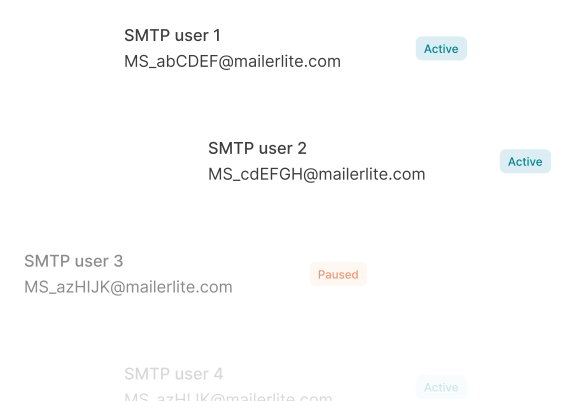
}Go low/no-code with SMTP
Maintain account security
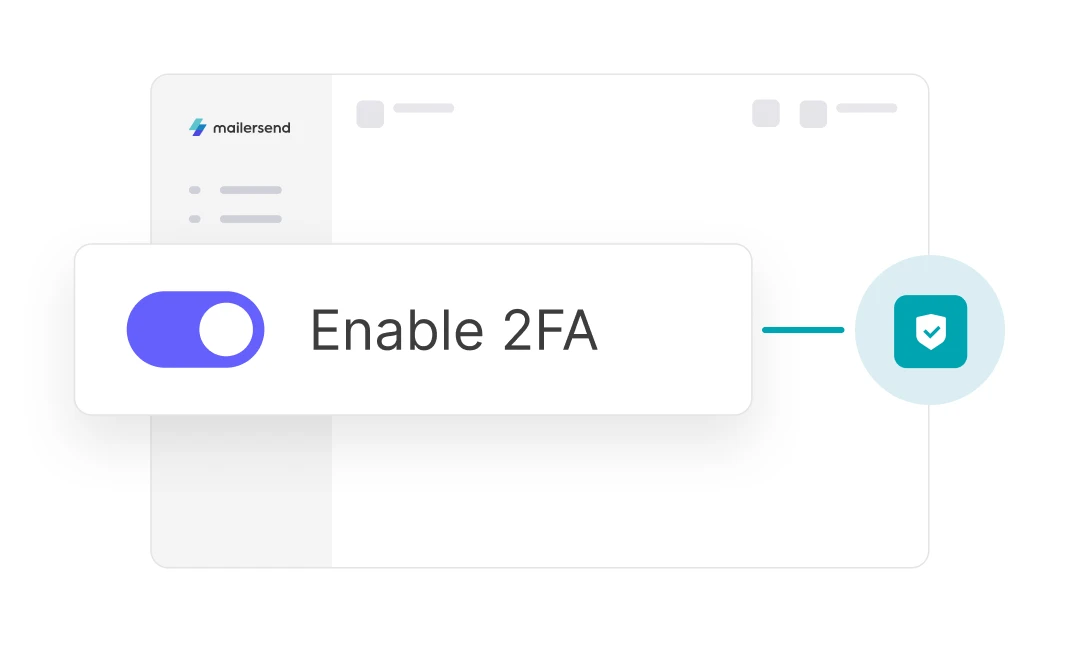
Enable 2FA for all account users to add an extra layer of protection and add approved IP addresses to your IP allowlist to prevent unauthorized sending activity.
Build branded templates with 3 user-friendly builders
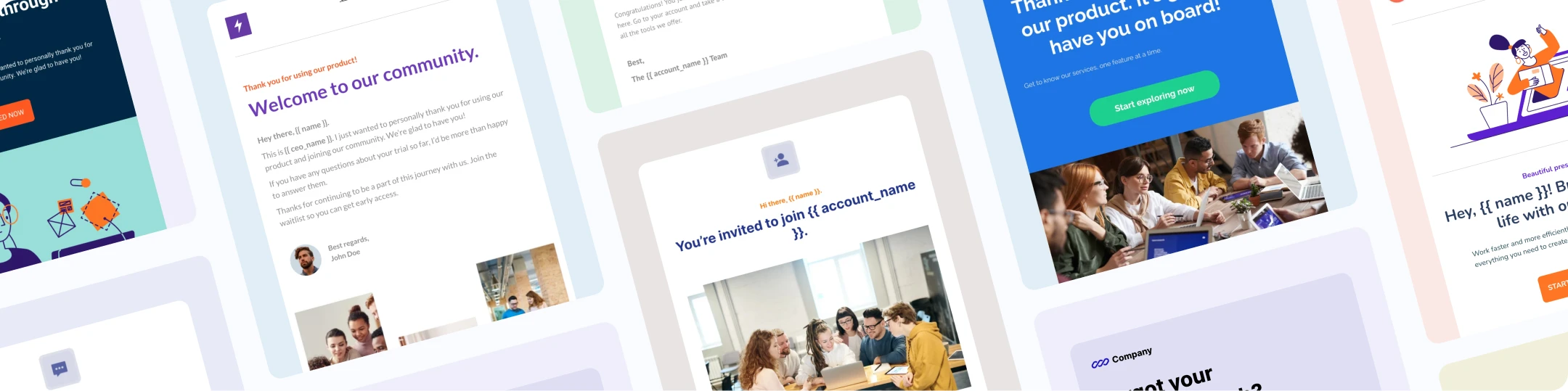

Drag & drop editor
Create professionally designed email templates to fit every customer’s branding, with 90+ blocks for content, interactive elements, e-commerce, social, and more.

HTML editor
Import and edit your clients’ existing HTML templates or build new ones from scratch. Speed up template creation with snippets and error tagging.

Rich-text email editor
Make plain-text emails more professional and engaging with HTML formatting that you can drop right in without coding a thing.
Connect with the apps your agency loves


Monitor clients’ sending activity & performance

Webhook notifications
Receive webhook notifications about email activity to trigger workflows in connected apps or get real-time alerts about critical events so you can act fast.

Real-time activity dashboard
Follow each email’s journey in the app to monitor deliverability and get insights into bounce and deferral reasons.

In-depth analytics
Access a wide range of key metrics and track important KPIs. Create custom reports you can share with your clients to keep them in the loop.

API & SMTP logs
Get full visibility into every SMTP and API request for faster troubleshooting and enhanced API monitoring.

DMARC monitoring
Keep tabs on your clients’ domain activity to quickly identify authentication issues, improve security, and prevent domain abuse.

Blocklist monitoring
Run automated blocklist checks for sending domains and IPs. Get real-time alerts about listings so you can be delisted fast and protect client deliverability.
Endless ways to optimize clients’ communications
-
![]() Learn more
Learn moreE-commerce
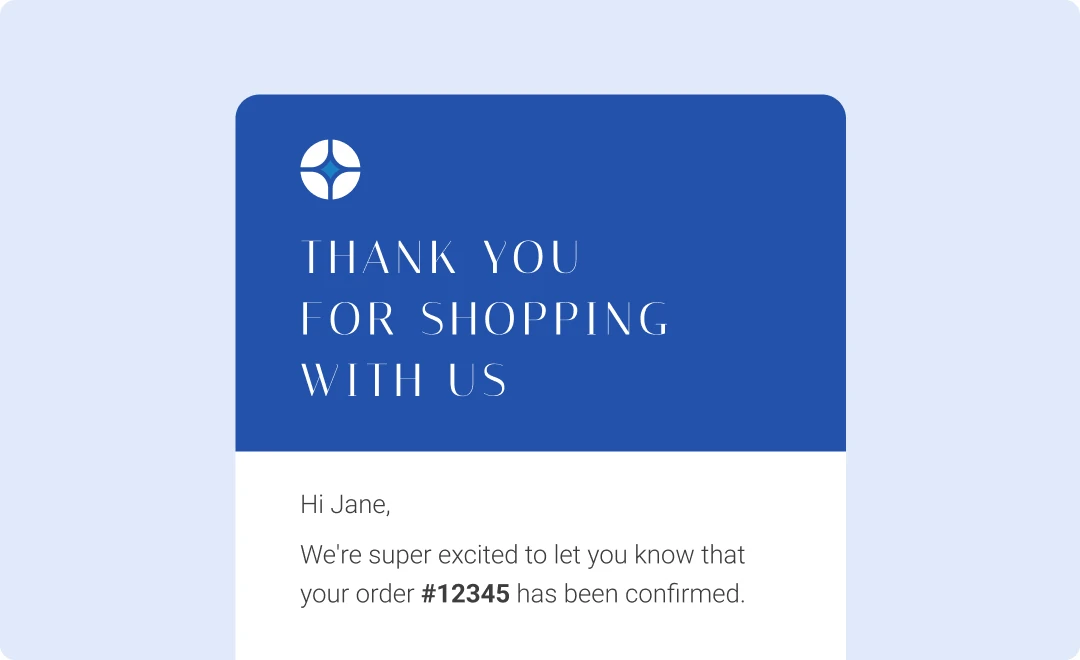
Send professional, personalized order confirmations, shipping updates, delivery confirmations, and more. -
![]()
Bars, restaurants & hotels
Improve online reservations with booking and cancellation confirmation emails, notifications, and review requests. -
![]()
Health, beauty & wellness
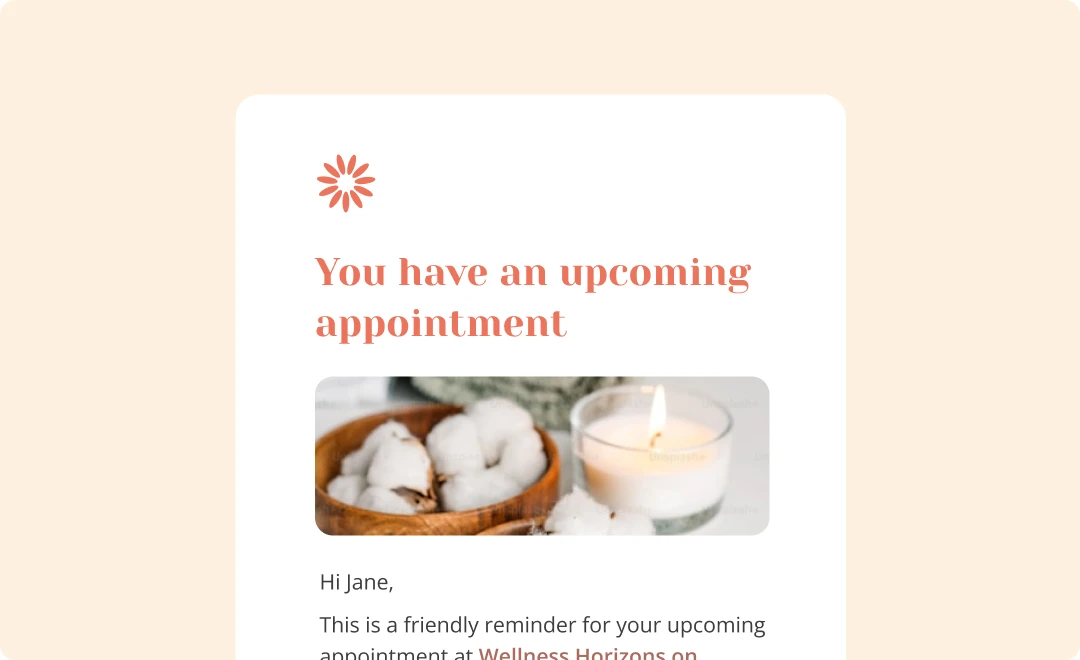
Confirm appointments, send reminders, inform customers about important information, and provide an easy way to change or cancel.



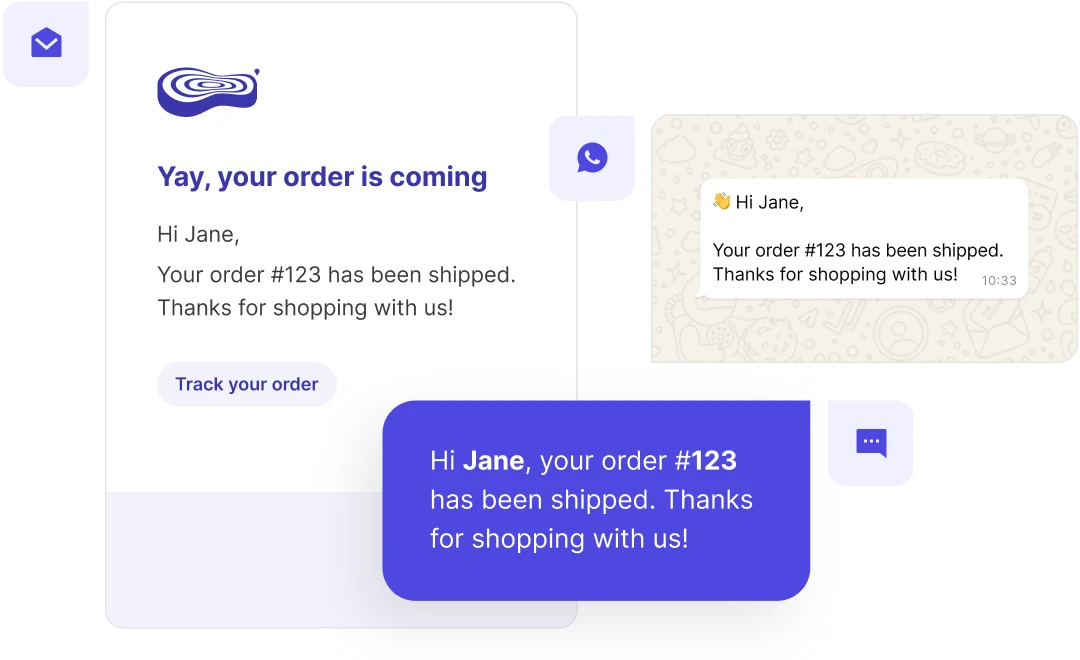
Create an omnichannel communications package
Improve your clients’ customer engagement with multiple communication channels. Manage transactional email, SMS and WhatsApp messaging all on one platform.
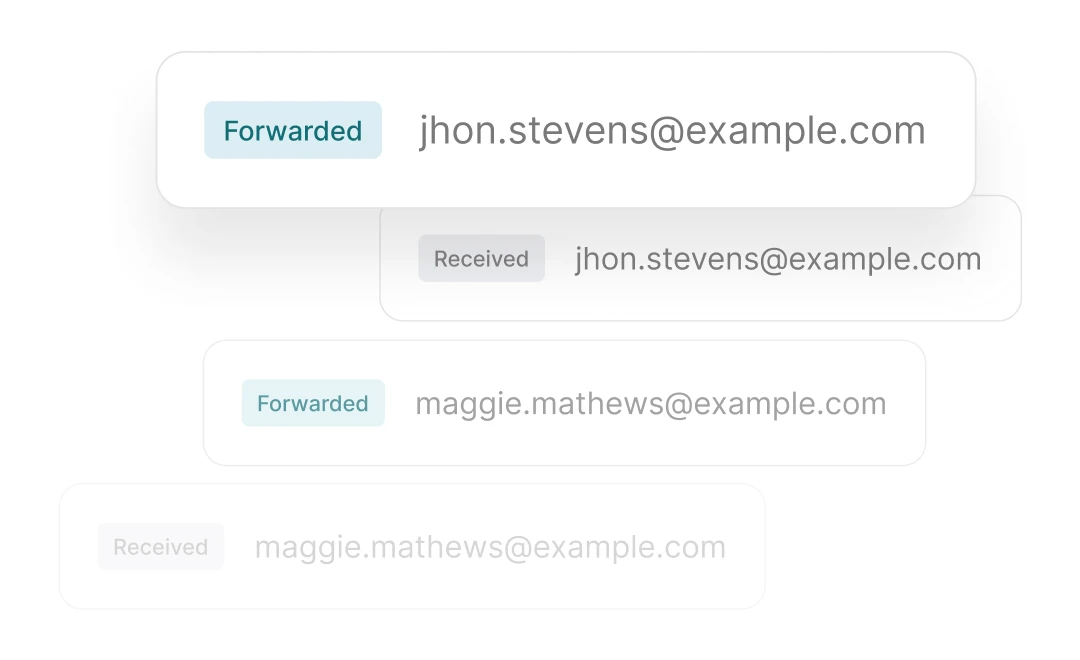
Launch two-way communication flows
Use inbound routes to process and parse incoming emails to clients’ apps, websites, or support platforms. Optimize support ticketing, let users reply to messages and comments, and add extra email-based functionality.

Your transactional communication partners
MailerSend is more than just an email delivery platform: we’re here to help you grow. Get access to friendly 24/7 support and a dedicated customer success manager. Whether you need help with a technical issue or a specific use case, we’re here to assist.
A trusted solution with advanced tools for your agency
Professional
For agencies and white-label resellers sending at scale
Starter
For growing startups and small businesses
Hobby
For personal projects and side hustles
Free
For occasional email testing and sending
- 500 emails /month
- 10 email verification credits
- Email threads support
- Drag & Drop email builder
Frequently Asked Questions
Can I white-label my reports with MailerSend?
Our API allows for complete whitelabelling, so you can fetch data to create your own branded reports, or build custom branded dashboards.
What types of agencies benefit most from using MailerSend?
If you are a digital marketing agency, design agency, or web solutions agency providing whole digital solutions for clients, your agency can benefit from using MailerSend due to its team-friendly interface and features, granular user roles, and simplified integration.
Can MailerSend handle the volume of emails needed for large-scale agency campaigns?
Yes, MailerSend is the ideal email API for agencies, built on a power infrastructure optimized for high volumes of transactional emails and account scalability.
How does MailerSend ensure high email deliverability for agencies managing multiple clients?
With multiple domains, you can keep sending activity separate for each client, ensuring that domain reputation is unaffected by the activity of another.
What level of customer support does MailerSend provide for agencies?
All paid accounts have access to email support, while Starter, Professional and Enterprise accounts also have live chat support. Rest assured, no matter which plan you choose, our support team is friendly, knowledgeable, and quick to respond.
How easy is it to onboard new clients onto MailerSend?
You can quickly add and verify your clients’ domains or add sender identities and use our SDKs to integrate email sending for the app or website. You can also easily give clients access by creating custom roles and restricting which domains, features, and settings they can see, keeping each client’s emails separate and making user management easy. What’s more, the MailerSend app is extremely intuitive, and we have a wealth of help guides to get you started!