


Email sending across multiple domains
Effortlessly manage multiple email sending domains for all your brands or clients from the same account, without mixing them up. One intuitive dashboard to manage them all.

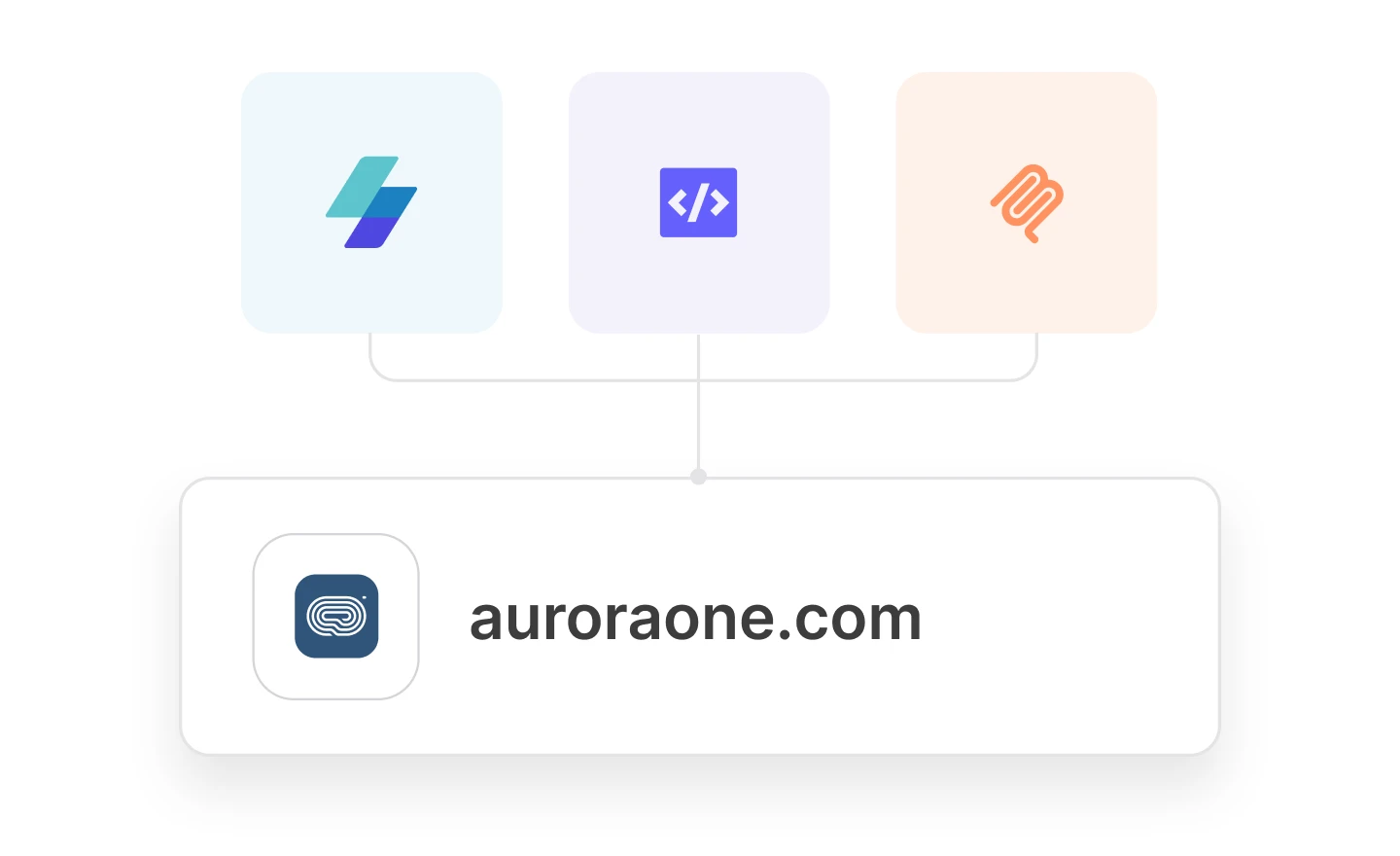
Three ways to manage your domains
Create, verify, delete, and fetch data about your domains from the app, via the email API, or with an AI tool connected to your account with the MailerSend MCP server.
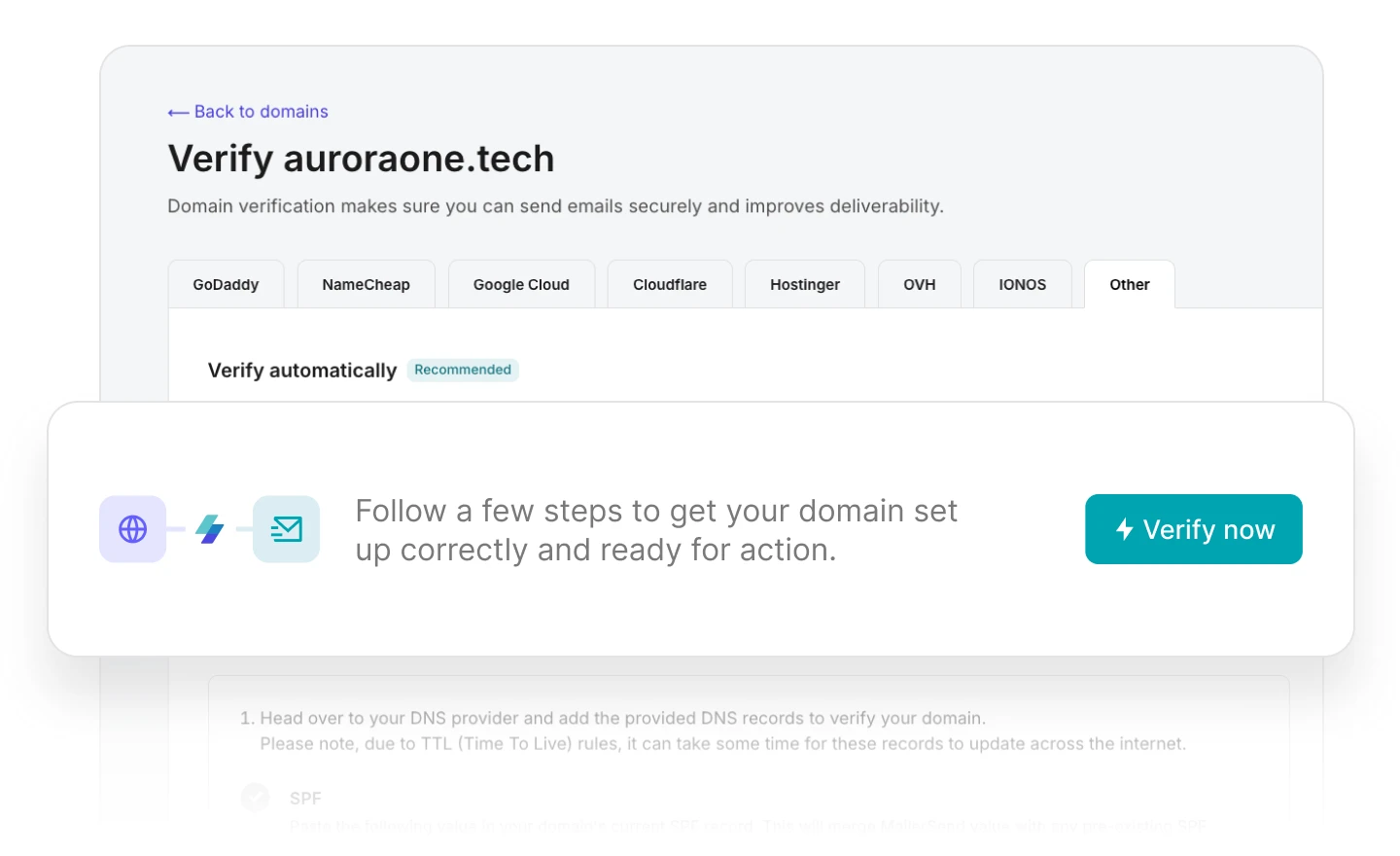
DNS records handled for you
Skip the manual domain authentication process. Add your domain, authenticate with your hosting provider, and MailerSend will automatically add your SPF, DKIM and RETURN-PATH records.
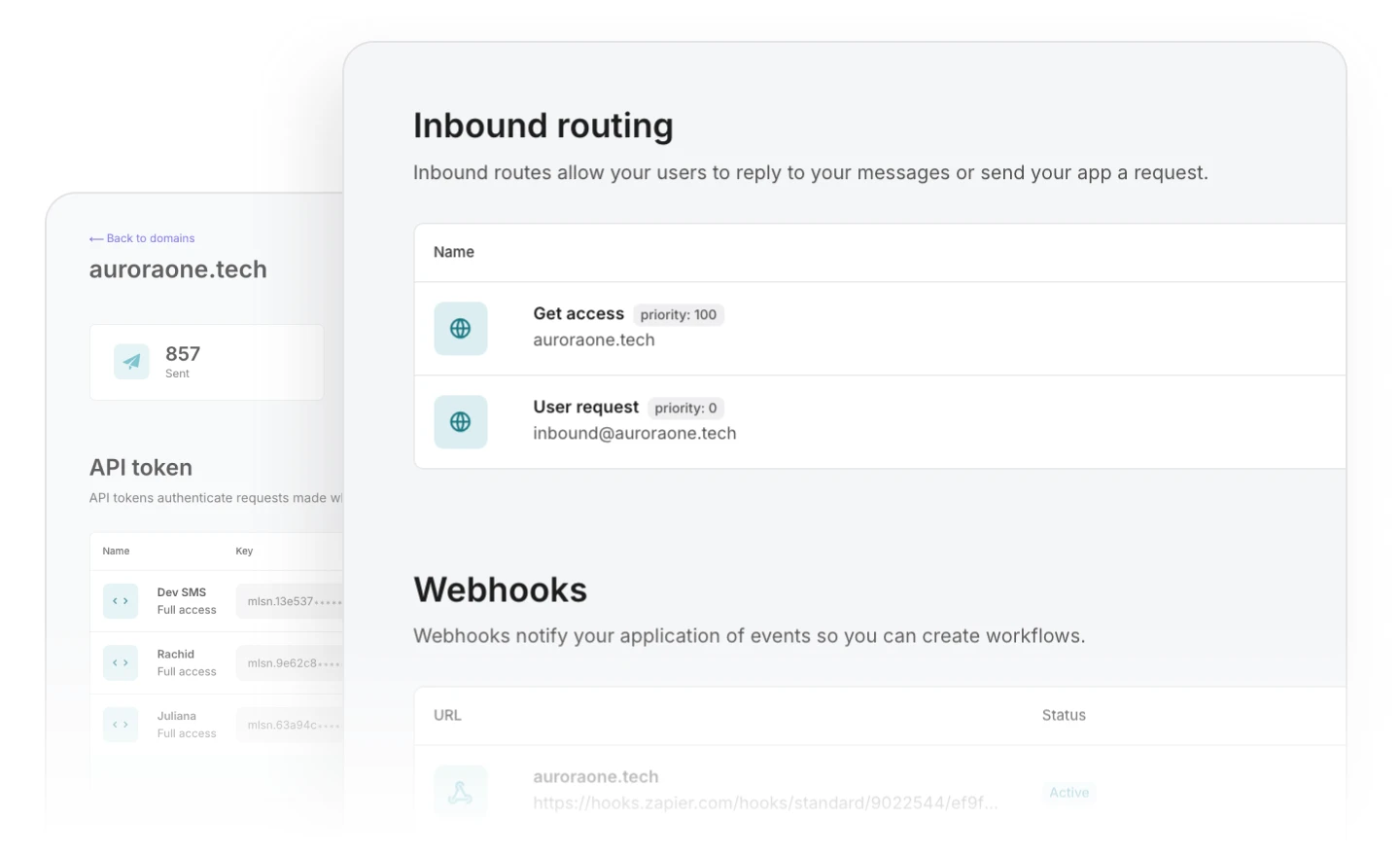
Keep domain settings and data separate
Conveniently manage the API tokens, SMTP users, webhooks, inbound routes, suppressions, and settings of each project with individual domain pages.
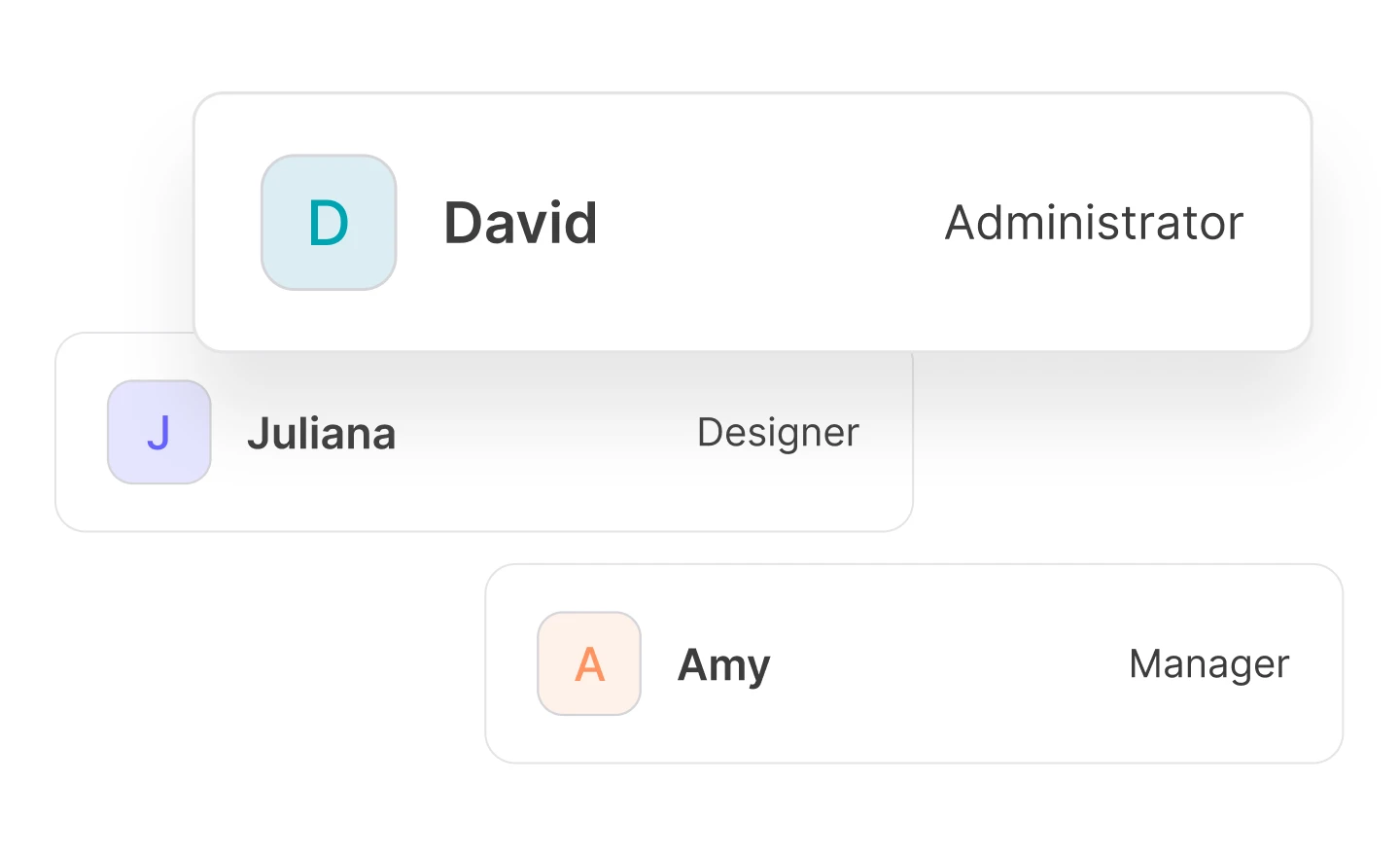
Easily manage user access for each domain
Manage team and client access with ease by assigning users a pre-defined role or creating custom roles to grant specific users access to individual features and domains.
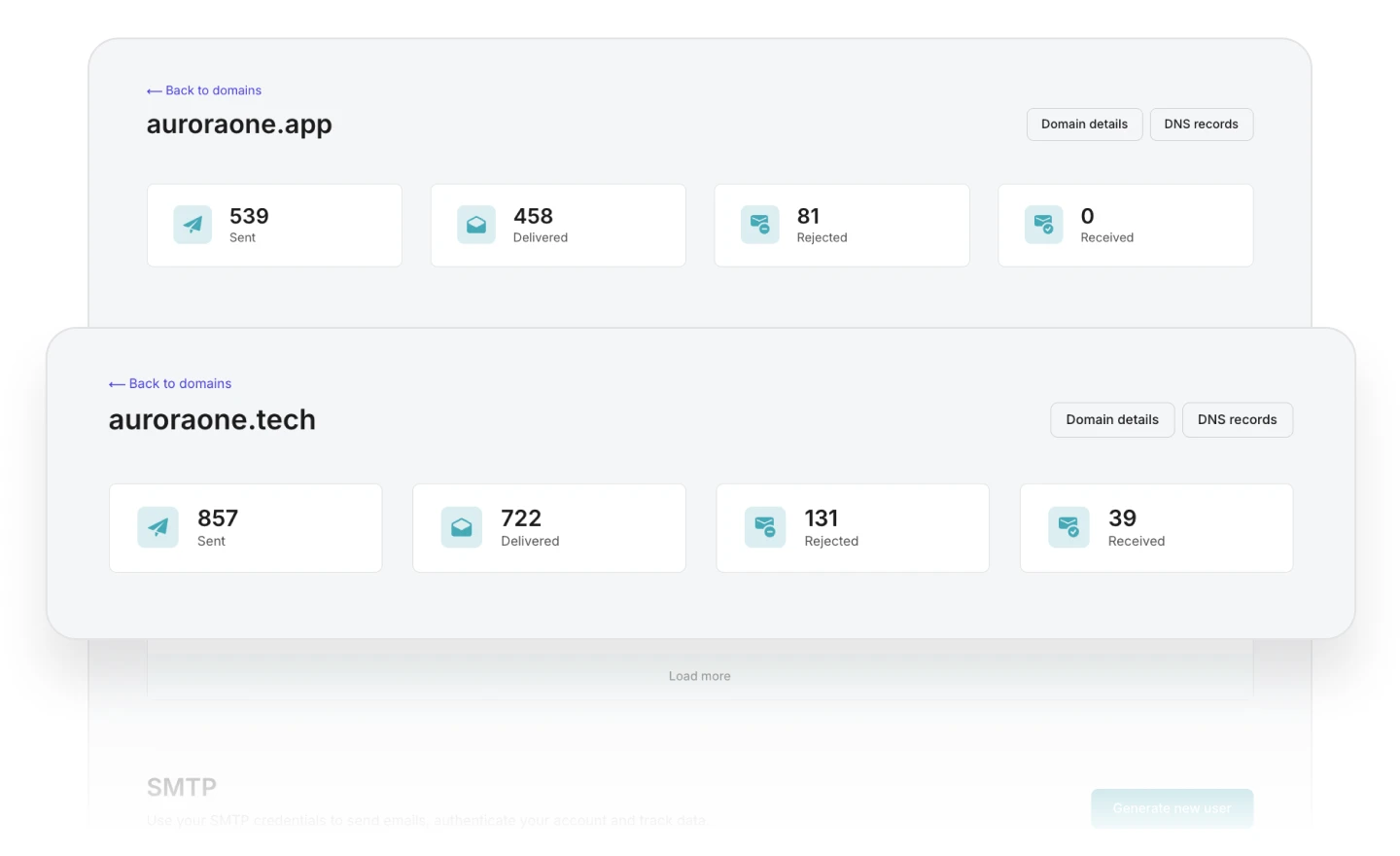
Keep your domain reputation safe
Create a safe environment for staging, without harming the reputation of your production domain, by keeping sendings across multiple domains separate.
Integrations





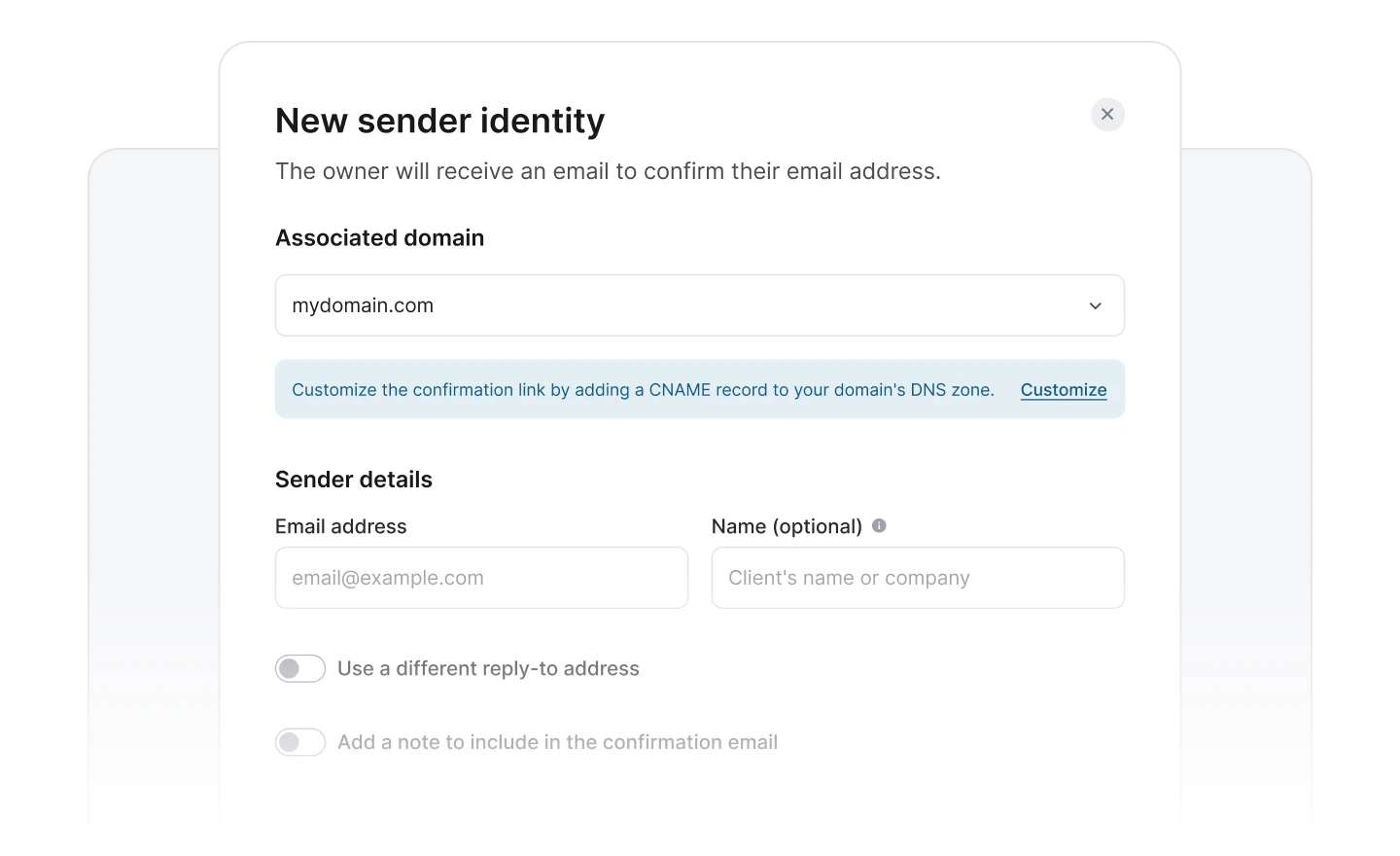
Send client emails, without client DNS
Send from your clients’ domains without touching their DNS. Use sender identities and verify the sender addresses to send transactional emails on their behalf.
Official SDKs, ready to drop in
import { MailerSend, EmailParams, Sender, Recipient } from "mailersend";

const mailerSend = new MailerSend({
   api_key: "key",
});

const sentFrom = new Sender("you@yourdomain.com", "Your name");

const recipients = [
  new Recipient("your@client.com", "Your Client")
];

const emailParams = new EmailParams()
  .setFrom(sentFrom)
  .setTo(recipients)
  .setReplyTo(sentFrom)
  .setSubject("This is a Subject")
  .setHtml("This is the HTML content")
  .setText("This is the text content");

await mailerSend.email.send(emailParams);
$mailersend = new MailerSend();
$recipients = [
new Recipient('your@client.com', 'Your Client'),
];
$emailParams = (new EmailParams())
->setFrom('your@email.com')
->setFromName('Your Name')
->setRecipients($recipients)
->setSubject('Subject')
->setHtml('Greetings from the team, you got this message through MailerSend.')
->setText('Greetings from the team, you got this message through MailerSend.');
$mailersend->email->send($emailParams);import com.mailersend.sdk.Email;
import com.mailersend.sdk.MailerSend;
import com.mailersend.sdk.MailerSendResponse;
import com.mailersend.sdk.exceptions.MailerSendException;
public void sendEmail() {
Email email = new Email();
email.setFrom("name", "your email");
email.addRecipient("name", "your@recipient.com");
// you can also add multiple recipients by calling addRecipient again
email.addRecipient("name 2", "your@recipient2.com");
// there's also a recipient object you can use
Recipient recipient = new Recipient("name", "your@recipient3.com");
email.AddRecipient(recipient);
email.setSubject("Email subject");
email.setPlain("This is the text content");
email.setHtml("This is the HTML content
");
MailerSend ms = new MailerSend();
ms.setToken("Your API token");
try {
MailerSendResponse response = ms.emails().send(email);
System.out.println(response.messageId);
} catch (MailerSendException e) {
e.printStackTrace();
}
}package main
import (
"context"
"os"
"fmt"
"time"
"github.com/mailersend/mailersend-go"
)
func main() {
// Create an instance of the mailersend client
ms := mailersend.NewMailersend(os.Getenv("MAILERSEND_API_KEY"))
ctx := context.Background()
ctx, cancel := context.WithTimeout(ctx, 5*time.Second)
defer cancel()
subject := "Subject"
text := "This is the text content"
html := "This is the HTML content
"
from := mailersend.From{
Name: "Your Name",
Email: "your@domain.com",
}
recipients := []mailersend.Recipient{
{
Name: "Your Client",
Email: "your@client.com",
},
}
// Send in 5 minute
sendAt := time.Now().Add(time.Minute * 5).Unix()
tags := []string{"foo", "bar"}
message := ms.Email.NewMessage()
message.SetFrom(from)
message.SetRecipients(recipients)
message.SetSubject(subject)
message.SetHTML(html)
message.SetText(text)
message.SetTags(tags)
message.SetSendAt(sendAt)
message.SetInReplyTo("client-id")
res, _ := ms.Email.Send(ctx, message)
fmt.Printf(res.Header.Get("X-Message-Id"))
}require "mailersend-ruby"
# Intialize the email class
ms_email = Mailersend::Email.new
# Add parameters
ms_email.add_recipients("email" => "your@client.com", "name" => "Your Client")
ms_email.add_recipients("email" => "your@client.com", "name" => "Your Client")
ms_email.add_from("email" => "your@domain.com", "name" => "Your Name")
ms_email.add_subject("Hello!")
ms_email.add_text("Greetings from the team, you got this message through MailerSend.")
ms_email.add_html("Greetings from the team, you got this message through MailerSend.")
# Send the email
ms_email.sendfrom mailersend import MailerSendClient, EmailBuilder
ms = MailerSendClient()
email = (EmailBuilder()
.from_email("sender@domain.com", "Your Name")
.to_many([{"email": "recipient@domain.com", "name": "Recipient"}])
.subject("Hello from MailerSend!")
.html("Hello World!
")
.text("Hello World!")
.build())
response = ms.emails.send(email)
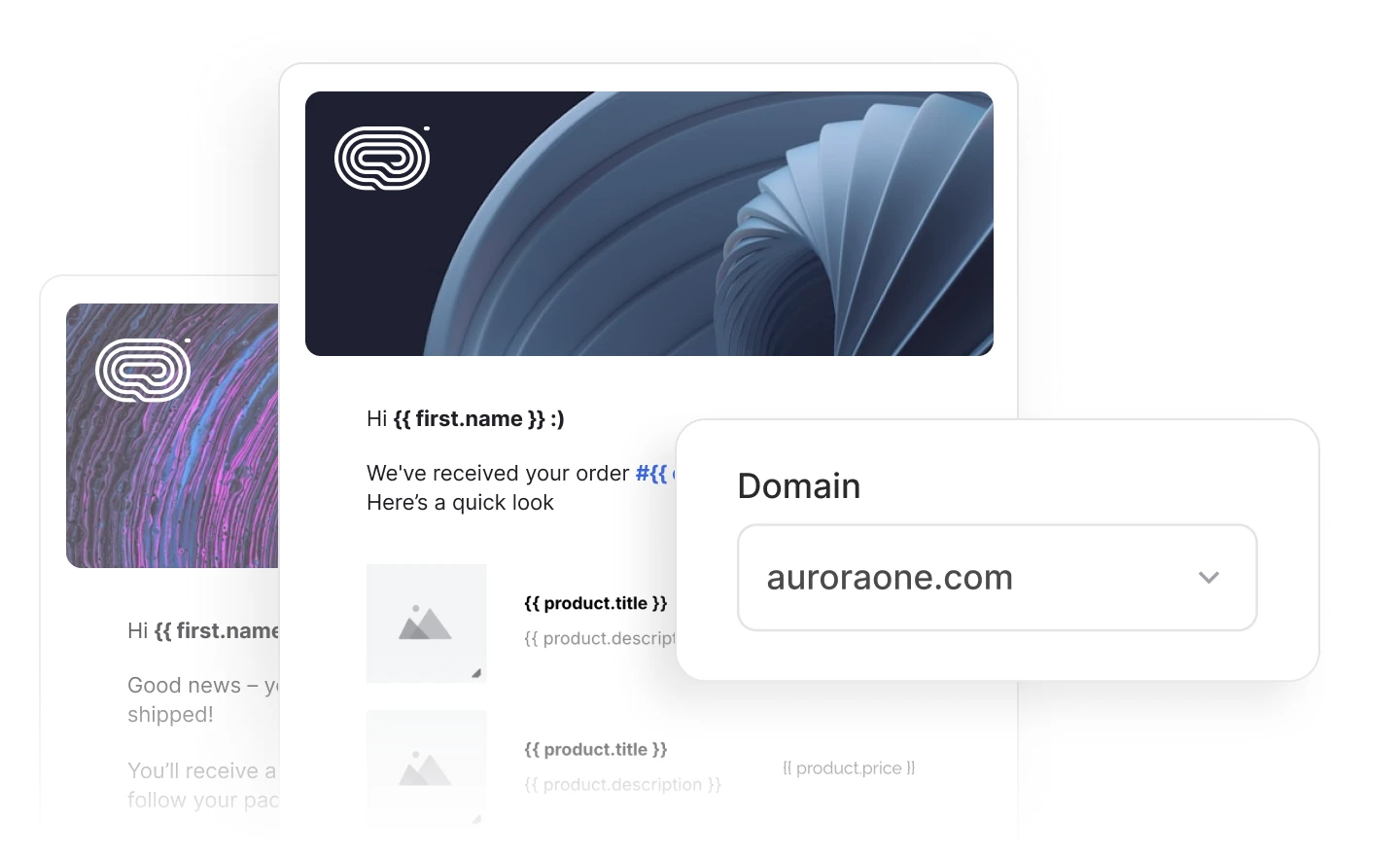
Domain-assigned templates
Assign domains to your email templates to keep client content isolated, private and organized without cross-domain mix-ups.
Safe, reliable transactional email delivery

Start sending today
Enjoy quick and easy integration with the full-featured API, in-depth documentation, and an intuitive app experience.

Better deliverability
Reach more inboxes, faster, keep tabs on your reputation, and easily manage suppressions with automatic bounce management.

Secure, compliant platform
Message content is protected with secure S/MIME and PGP encryption, while client data is kept safe thanks to GDPR compliance.

Award-winning support
Get help when you need it with responsive 24/7 email support and live chat agents ready to assist with getting started, troubleshooting, and more.
Don’t just take our word for it. Here’s what our customers think
"MailerSend has been fantastic for our OTA website—fast, reliable, and easy to use. From booking confirmations to guest updates, everything delivers seamlessly. Great service and excellent support!"
"The platform is intuitive, the documentation is clear, and the reporting gives exactly the insights we need. So far, it’s been very reliable—exactly what you want for transactional emails. In short: a professional tool with an engaged support team. Highly recommended!"
"After switching to MailerSend, our e-mail deliverability has increased dramatically across every application we manage. The user experience and support are exceptional. MailerSend has figured out how to do transactional e-mail right!"
Dave Buonomo, President & CTO
Get started with MailerSend transactional messaging
Start your 2-week free trial today. Integrate your app, start sending and test all our Professional plan features. Try it now!
FAQS
How does multi-domain management affect my billing?
Each plan comes with a set number of domains included at no extra cost. If you need more domains and wish to remain on the same plan, you can purchase additional domains at a cost of $4.00 per domain. Check out our plans and pricing for more information.
How do I verify a new domain with MailerSend?
To verify a domain with MailerSend, simply add your domain via the app, API, or with the MailerSend MCP server. You can then use the automatic domain authentication wizard to connect to your hosting provider and automatically add your DNS records, or add them manually (provided by us). To learn more about verifying a domain, check out our help guide on verifying and authenticating a sending domain.
How many domains can I add to my account?
The number of included domains depends on the type of plan you have. For each account, you can purchase a maximum of 40 additional domains via the domain spaces add-on. Learn more about plans, features and limits.
Explore all features
 Email API

Start sending and tracking your emails with our easy API integration process and clean documentation.
SMTP relay

Use Simple Mail Transfer Protocol when you want to quickly send emails using a reliable Internet standard.
Dynamic email templates
Build one-to-one customer relationships on a mass scale using a single email template.
Transactional SMS
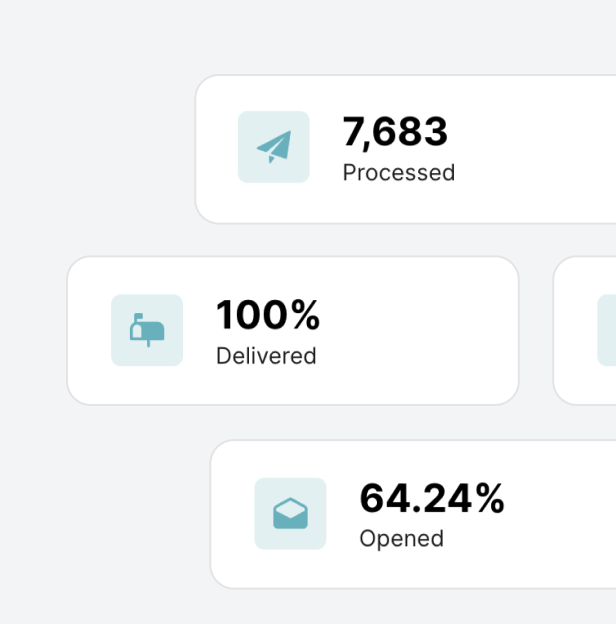
Enhance the customer experience by sending high-volume, toll-free text messages using a unique and recognizable phone number.
Inbound routing
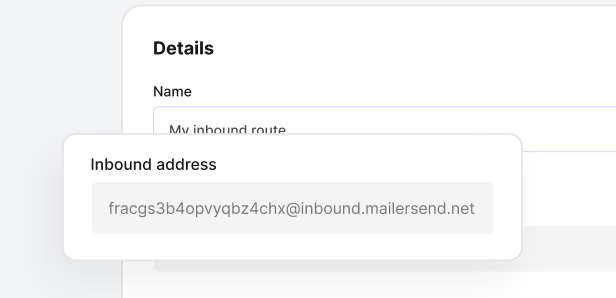
Automatically parse incoming emails. Inbound email routes enable MailerSend to receive emails on your behalf, integrating them into your application.
MCP server

Connect an AI tool to your MailerSend account for live data access that makes task automation faster and more reliable.
And much more to deliver, every single time
