


User management for maximum control & flexibility
Set users up with granular access permissions so you can control what each team member, collaborator, or agency client can see and do.

The right access for every type of user
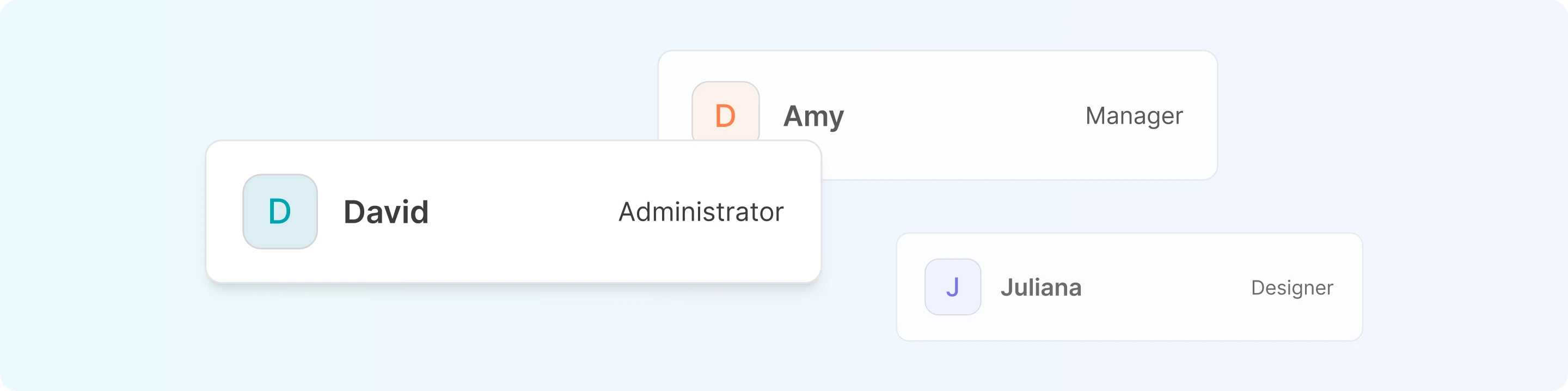

Administrator
For users who need full access to all settings, features, and controls.

Manager
For users who need access to everything but the API and Billing.

Designer
For users who only need to view and create templates.

Accountant
For users who only need to manage payments and invoices.
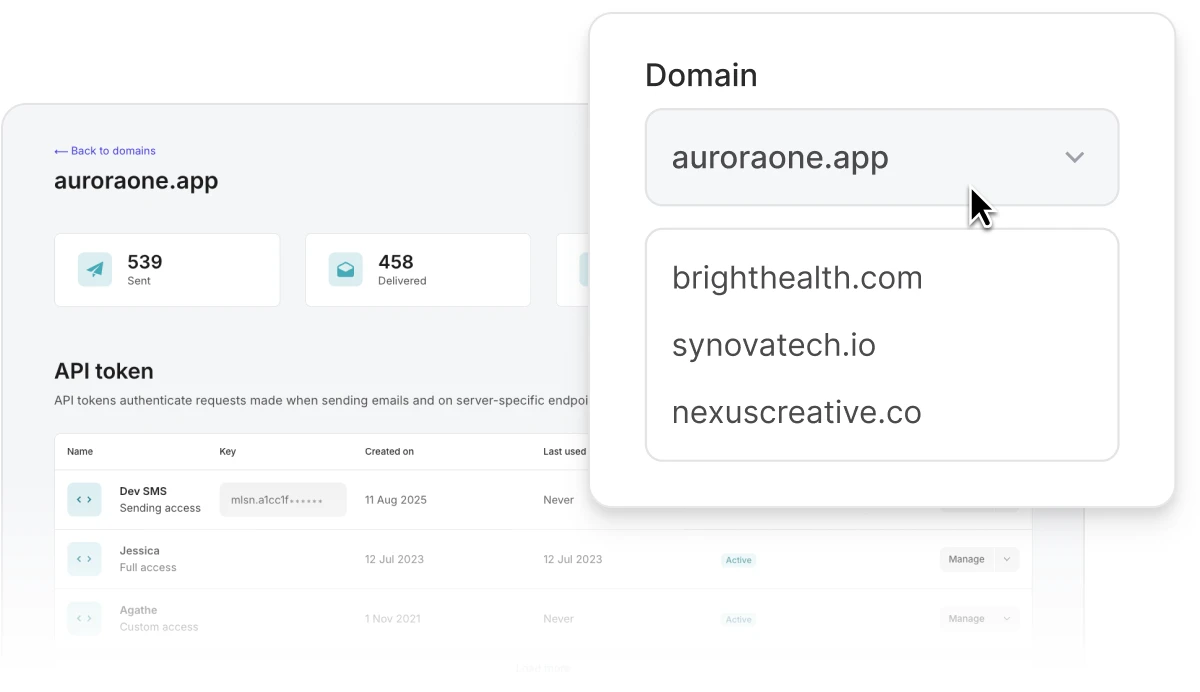
Isolate every client account
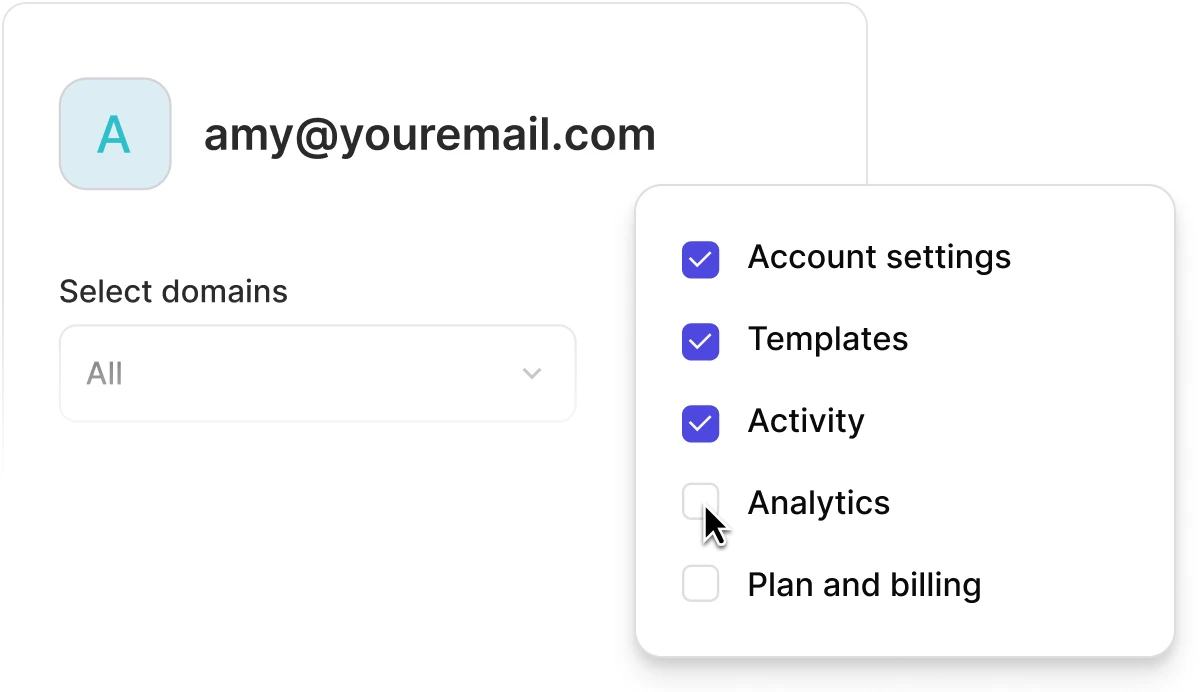
Manage client sub-accounts as separate domains, and give access so they can only see their own sending data and templates, never another client’s.
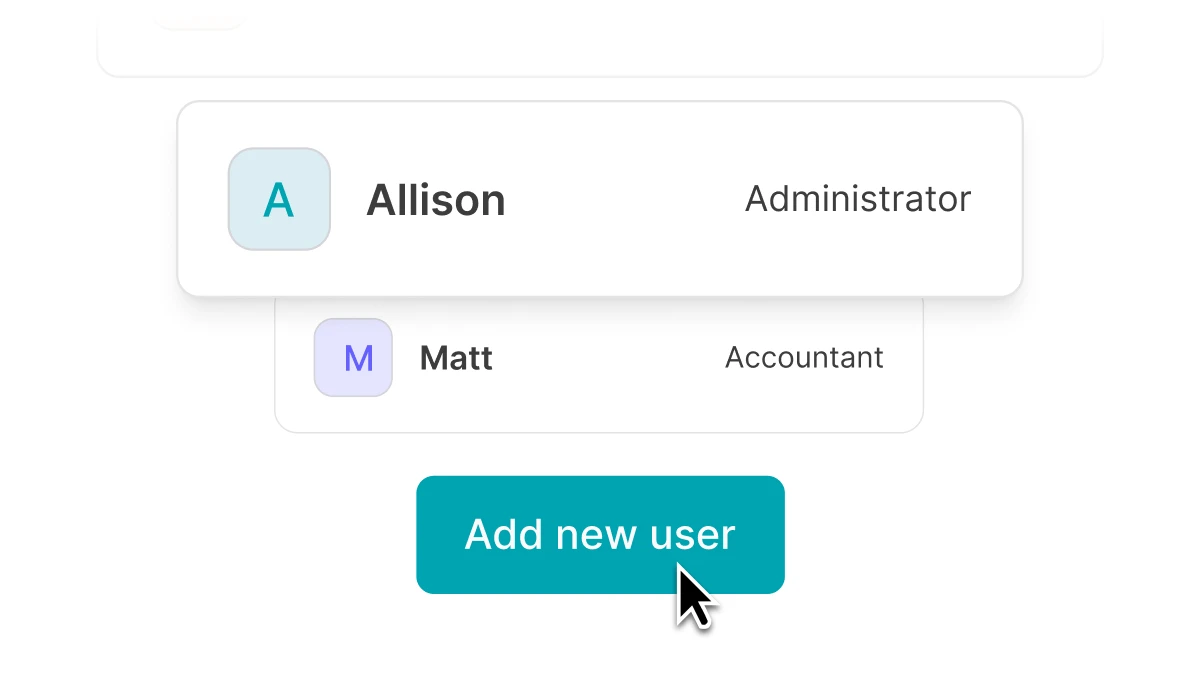
Multiple user seats for real-time collaboration
Get unlimited users on the Professional plan so you can invite all necessary team members and agency clients. Log in and work simultaneously without sharing accounts.
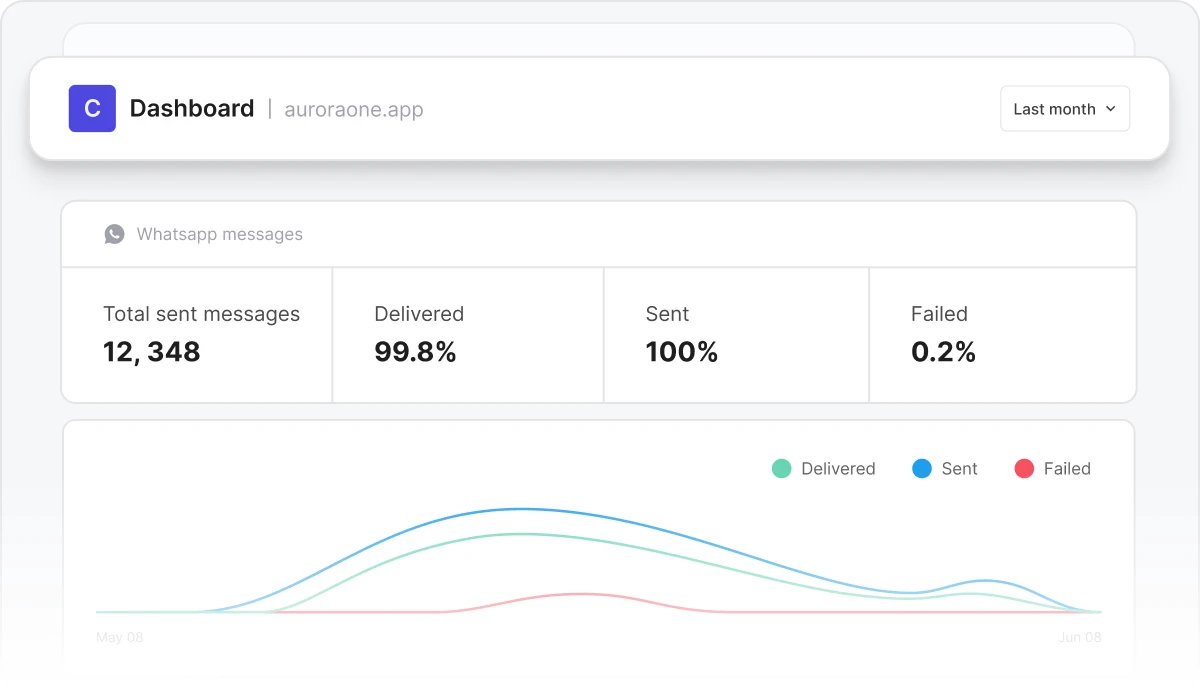
Build whitelabel interfaces with our API
Want to keep MailerSend invisible to clients? Build your own branded interface and dashboards with our API to let users send emails, monitor deliverability, create reports, and more.
Managing email for clients?
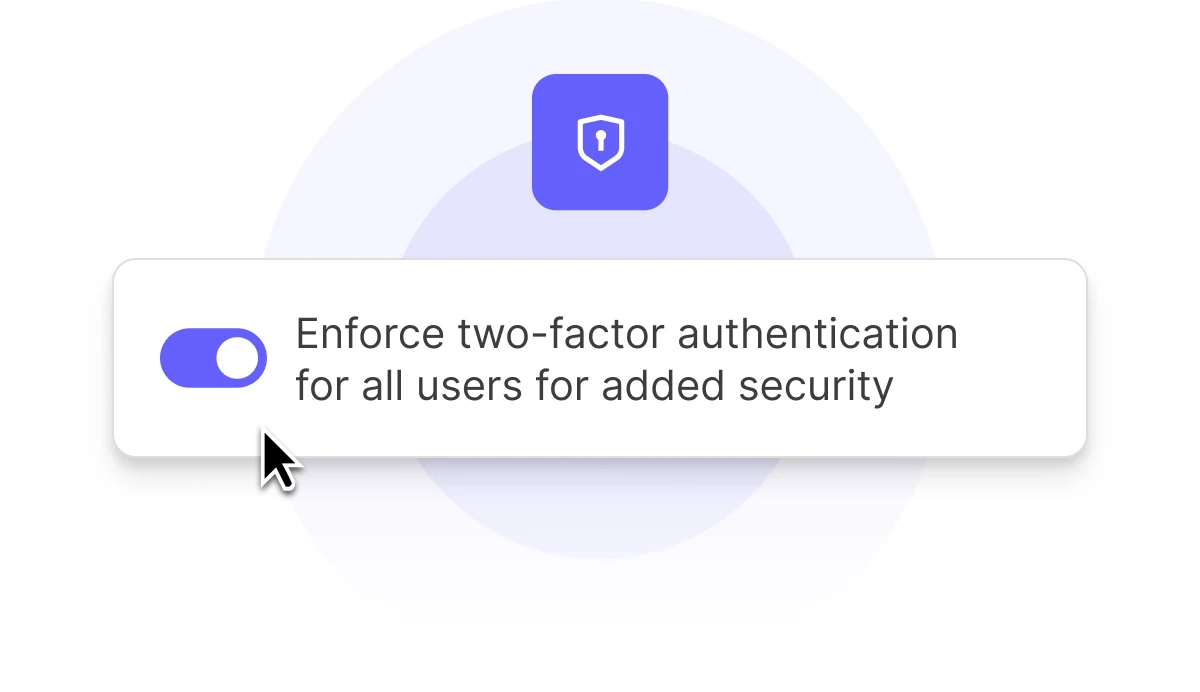
Features for more secure account access
Enforce periodic password resets and 2FA authentication for all users with a single click. Plus, easily restrict access to API tokens and other sensitive data to avoid unintended exposure.
Manage users programmatically
import 'dotenv/config';
import { MailerSend } from "mailersend";

const mailerSend = new MailerSend({
  apiKey: process.env.API_KEY,
});

mailerSend.user.create({
  email: "user@example.com",
  role: "manager",
  // For role "custom", permissions is required:
  // permissions: ["read-activity", "read-analytics"],
  // templates: ["template_id"],
  // domains: ["domain_id"],
})
  .then((response) => console.log(response.body))
  .catch((error) => console.log(error.body));
use MailerSend\MailerSend;
use MailerSend\Helpers\Builder\UserParams;
use MailerSend\Common\Roles;
$mailersend = new MailerSend(['api_key' => 'key']);
$mailersend->user->create(
(new UserParams('email', Roles::ADMIN))
);from mailersend import MailerSendClient, UsersBuilder
ms = MailerSendClient()
# Basic invite with admin role
request = (UsersBuilder()
.email("newuser@example.com")
.admin_role()
.build_user_invite())
response = ms.users.invite_user(request)
# Custom invite with specific permissions and access
request = (UsersBuilder()
.email("designer@example.com")
.designer_role()
.add_permission("read-all-templates")
.add_permission("manage-template")
.add_template("template-id")
.add_domain("domain-id")
.requires_periodic_password_change(True)
.build_user_invite())
response = ms.users.invite_user(request)package main
import (
"context"
"os"
"log"
"time"
"github.com/mailersend/mailersend-go"
)
func main() {
// Create an instance of the mailersend client
ms := mailersend.NewMailersend(os.Getenv("MAILERSEND_API_KEY"))
ctx := context.Background()
ctx, cancel := context.WithTimeout(ctx, 5*time.Second)
defer cancel()
options := &mailersend.InviteUserOptions{
Email: "newuser@example.com",
Role: "member", // Options: "admin", "member"
}
_, _, err := ms.User.Invite(ctx, options)
if err != nil {
log.Fatal(err)
}
}import com.mailersend.sdk.MailerSend;
import com.mailersend.sdk.exceptions.MailerSendException;
import com.mailersend.sdk.users.Invite;
public void inviteCustomUser() {
MailerSend ms = new MailerSend();
ms.setToken("Your API token");
try {
Invite invite = ms.users().builder()
.email("custom@example.com")
.role("Custom User")
.addPermission("read-suppressions")
.addPermission("manage-suppressions")
.addDomain("domain-id")
.addTemplate("template-id")
.requiresPeriodicPasswordChange(true)
.inviteUser();
System.out.println(invite.id);
System.out.println(invite.email);
System.out.println(invite.role);
for (String permission : invite.permissions) {
System.out.println(permission);
}
} catch (MailerSendException e) {
e.printStackTrace();
}
}
Permissions that flex with your team
As your team grows or client projects evolve, easily adjust permissions for any user to ensure everyone always has the right level of access without disruption.

Fast, responsive 24/7 support
Our in-depth documentation and AI assistant make it easy to quickly find the answers you need, but if you need extra assistance, our friendly customer support team is available via email or live chat.

Send better email, together
Onboard your team and clients and start collaborating today for better transactional messaging. Sign up free and try it out with 500 emails/month.
Explore all features
 Email API

Start sending and tracking your emails with our easy API integration process and clean documentation.
Webhooks
Get notified as email events happen so your integration can automatically trigger reactions.
Multiple domains

Use multiple domains to manage different brands or products with one MailerSend account.
Drag and drop builder

Our drag & drop email editor empowers you to create professionally-designed transactional emails.
Supression lists
Protect your sending reputation by adding email addresses and domains that you should not send to.
API & SMTP logs
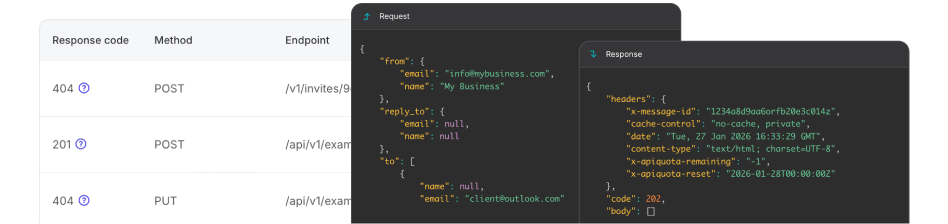
Easy access to detailed API and SMTP activity data and template error logs.
And much more to deliver, every single time

FAQs
What are the different user roles available?
MailerSend allows administrators to choose from pre-defined roles when inviting new users: Administrator, Manager, Designer, and Accountant. You can also create completely custom user roles where you choose the exact features, domains and settings a user can access. Find out more in our user management guide.
Is it possible to limit a designer's access to only certain templates?
If you choose the Designer role, you can restrict the templates the user has access to based on domain. If you would like to restrict access further, you can create a custom role and select the specific templates you would like to grant access to.
What happens when I delete a user or cancel an invite?
If you delete a user, they will no longer have access to your account. If you cancel a pending invite, the invitee will no longer be able to accept the invite and create an account.
How do I update permissions for an existing team member?
You can update permissions for an existing user in the app by going to Settings > Users and clicking Manage for the user you want to update. You can also update permissions via the API with the users endpoint by making a PUT request with the updated permissions.
Can I restrict a user to only see specific domains?
Yes, you can choose the specific domains a user can have access to via the app and API, both when inviting a new user and after they have been created.
Can I manage team members and invites programmatically?
Yes, our API allows you to invite users, update their account settings, fetch data, manage invitations and more. Learn more about managing users in our API documentation.
Can I track which users have enabled two-factor authentication (2FA)?
Yes, this information is available when fetching user data via the API and in the app.