


Get more deliverability insights with DMARC monitoring
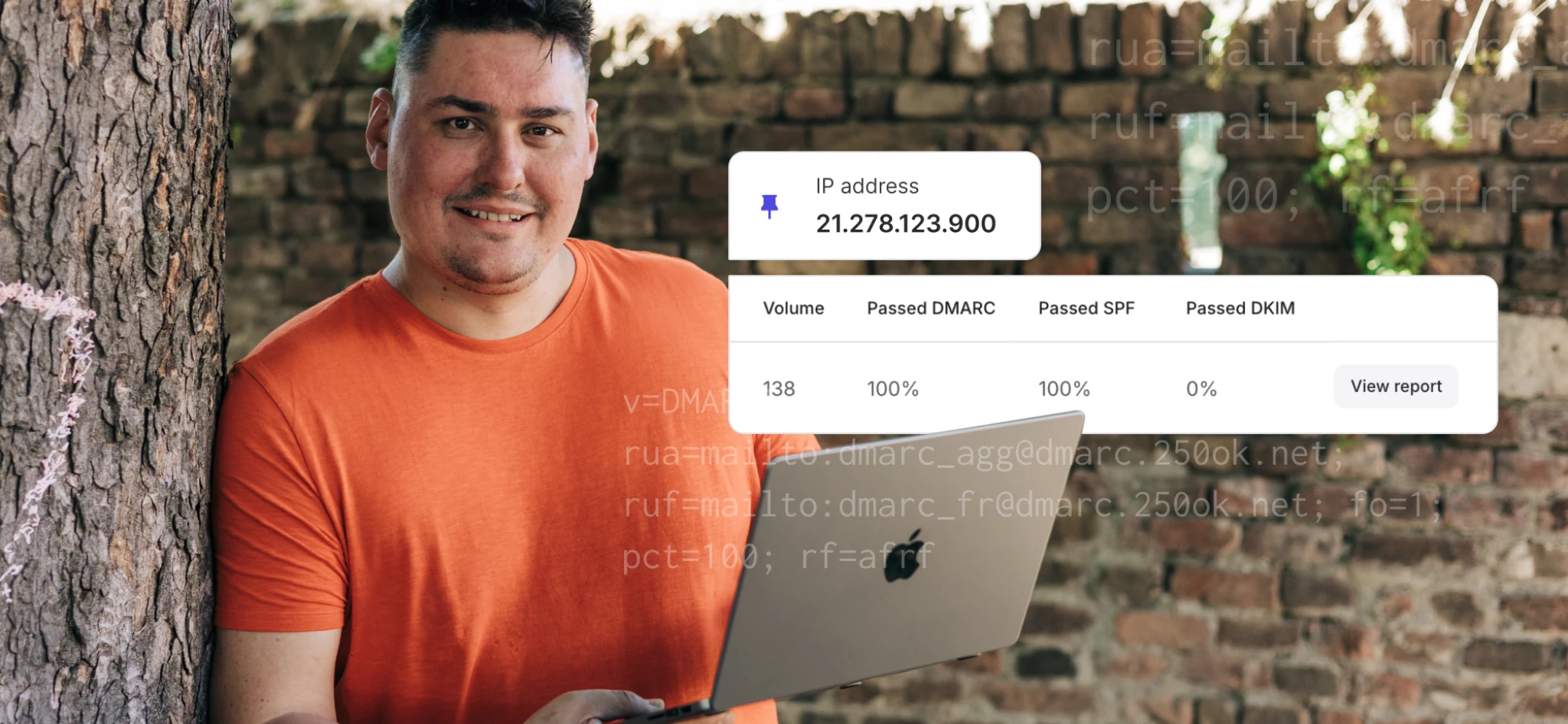
You now have another way to monitor deliverability and protect your domain: introducing DMARC monitoring. This new feature is designed to help you decipher DMARC reports, monitor your domain’s sending activity more easily, and safeguard your domain reputation.
Whether you’re looking to tighten your email security, fully enforce DMARC, or gain extra visibility to help you track and optimize your deliverability, the new DMARC reporting feature gives you the insights you need to maintain control and act quickly when sendings fail or unauthorized activity occurs.
What is DMARC reporting?
DMARC stands for Domain-based Message Authentication, Reporting & Conformance, and it’s an optional email authentication protocol that helps protect your domain from being used for spoofing, phishing, and other fraudulent activity. It can improve your deliverability because it works together with SPF and DKIM to strengthen email security.
When you add a DMARC record to your domain’s DNS, you can instruct mailbox providers to send you reports about your email activity—this is DMARC reporting.
In addition to reports about all email sending activity, you can also receive more detailed reports about authentication failures (known as forensic reports). These can include email headers, information about why the email failed, and sometimes parts of the original message.
MailerSend’s new DMARC monitoring and reporting feature handles these reports for you, turning them from difficult-to-read, raw data into actionable insights displayed on our DMARC reporting dashboard.
Here’s why it’s worth setting up DMARC monitoring
1. It can help you detect spoofing attempts fast
With instant notifications and feedback from mailbox providers about your sending activity, you can quickly identify unauthorized domain use and take action to protect your domain. This will allow you to prevent harmful account activity, protect your customers from phishing attempts, avoid potential legal ramifications, and ensure healthy deliverability.
2. You can use it as a tool to identify and fix authentication issues
DMARC reports provide a ton of information that can help you figure out where and why your SPF and DKIM authentication is failing. You can see which services are sending emails with your domain, which authentication method is failing, and mistakes in your records causing the issue, allowing you to quickly find where the failure is originating from.
3. It can help you build a stronger DMARC policy
Before enforcing DMARC, and especially before implementing a strong DMARC policy, you need to be clear about all the systems that are using your domain to send emails (for example, marketing tools, CRMs, support platforms, etc.) and fix any authentication gaps so that your messages consistently pass the checks without issue. The insights that DMARC reporting provides can help you optimize your configuration so that you can move toward using a stricter policy for stronger protection.
4. It helps improve deliverability
Since DMARC reporting gives you full visibility into your sending activity, allowing you to fix authentication problems, catch issues early, identify unauthorized senders, and implement strong DMARC policies, it helps to protect your domain reputation and, therefore, improves deliverability. It ensures your emails authenticate successfully, helps you prevent abuse, makes your domain more trustworthy, and builds confidence with mailbox providers.
How to get started with MailerSend’s DMARC monitoring feature
DMARC monitoring is now available for Professional plans (add-on for Starter plans coming soon). From the dashboard, under Email, click DMARC monitoring and then click the Monitor domain button to add your domain.
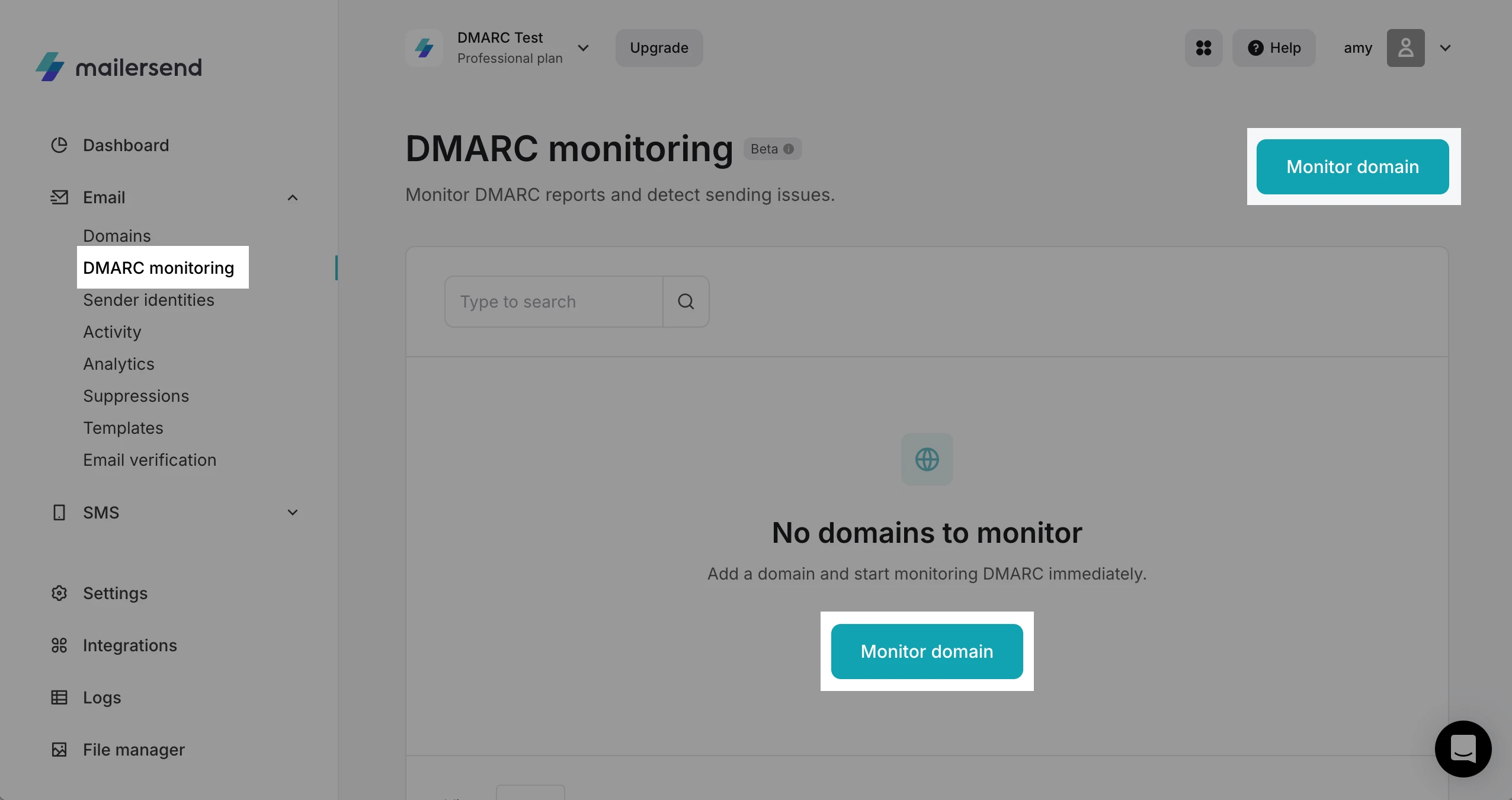
If your domain doesn’t currently have a DMARC record, you can create one using DMARC record generator. Check out our help guide to learn more about DMARC monitoring and reporting.
Try DMARC monitoring now
Add your domain to start tracking all your email sending sources and authentication checks for better deliverability and stronger domain protection. Professional plans can add up to 10 domains, with an add-on coming soon for additional monitors and access for Starter plans.