


WhatsApp for e-commerce
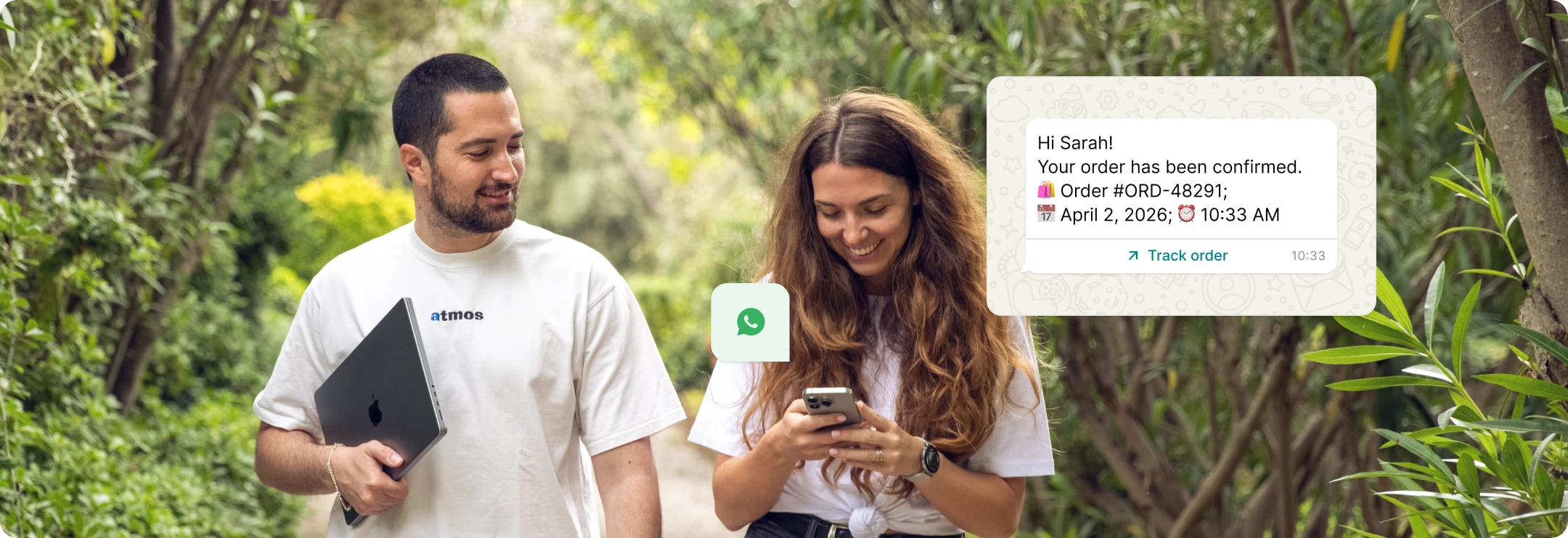
Send order confirmations and shipping updates where your customers see them, instantly, with our WhatsApp API. Onboard fast and get support at every stage.
WhatsApp integration that doesn’t slow you down

Integrate in days, not months
Get started fast with our hosted API endpoints, webhooks, monitoring, and security. All the features you need for robust, reliable sending out of the box.

Straightforward onboarding
Connect your WhatsApp Business account quickly with guided steps, account notifications, and built-in tools for managing verification, settings and phone numbers.

WhatsApp Technology Partner
Our robust integration, GDPR compliance, security, and adherence to WhatsApp guidelines allow you to send important e-commerce notifications with confidence.
Instant messaging for every lifecycle touchpoint
-
![]()
Purchase & fulfillment
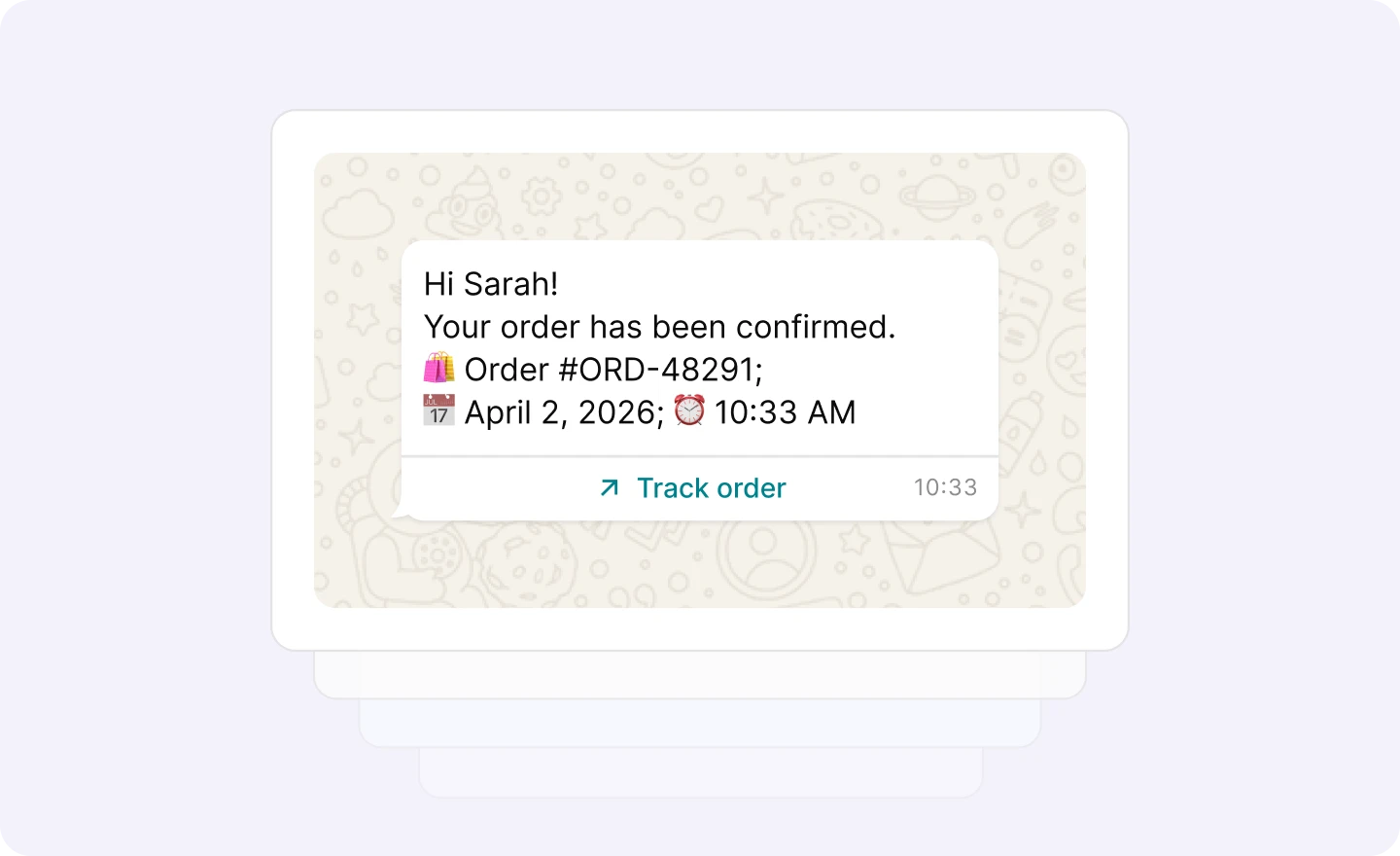
Build trust and keep customers in the loop with order confirmations, tracking, and shipping alerts. -
![]()
Engagement & loyalty
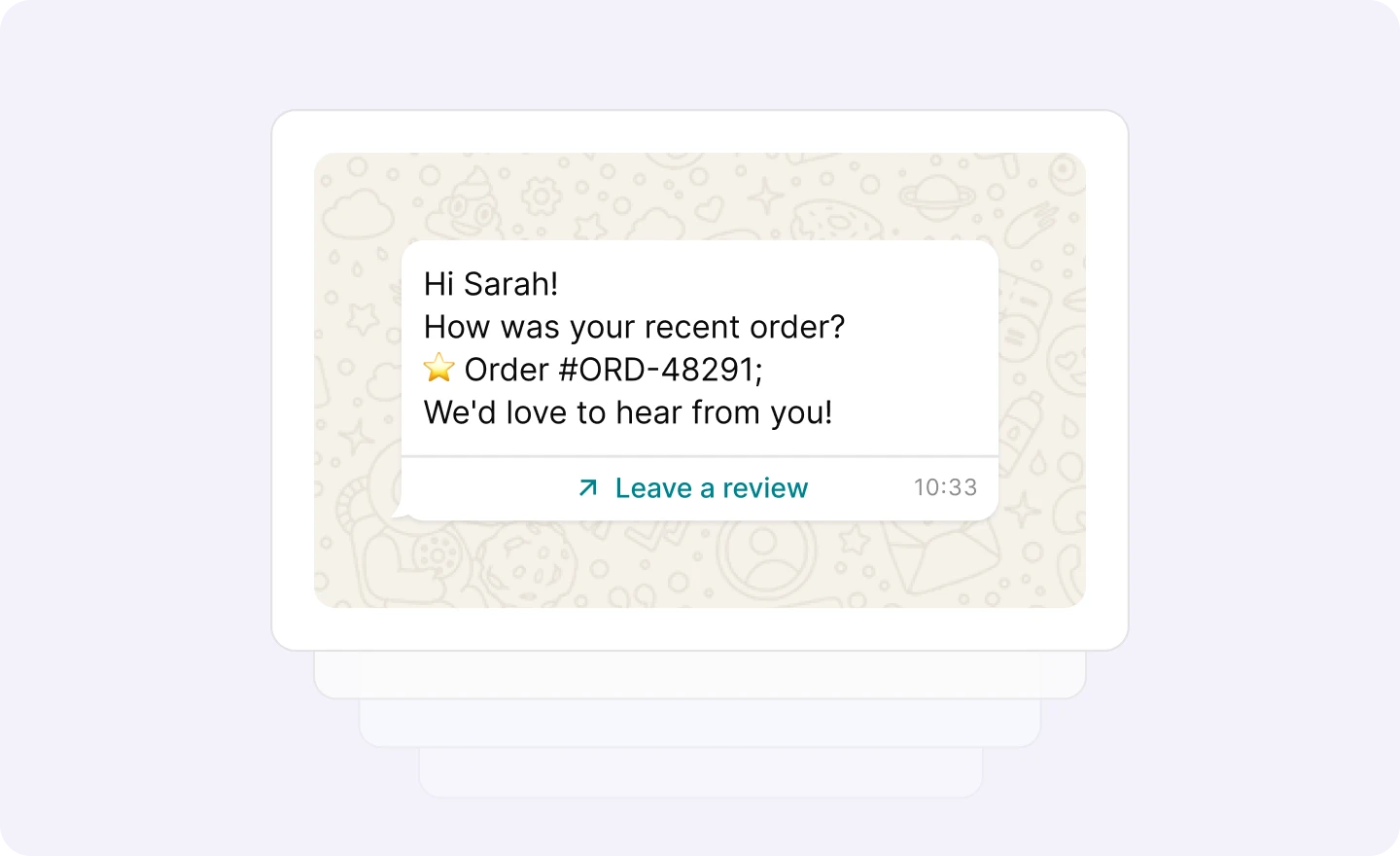
Keep the conversation going with feedback requests, wishlist notifications and back-in-stock alerts. -
![]()
Retention & win-back
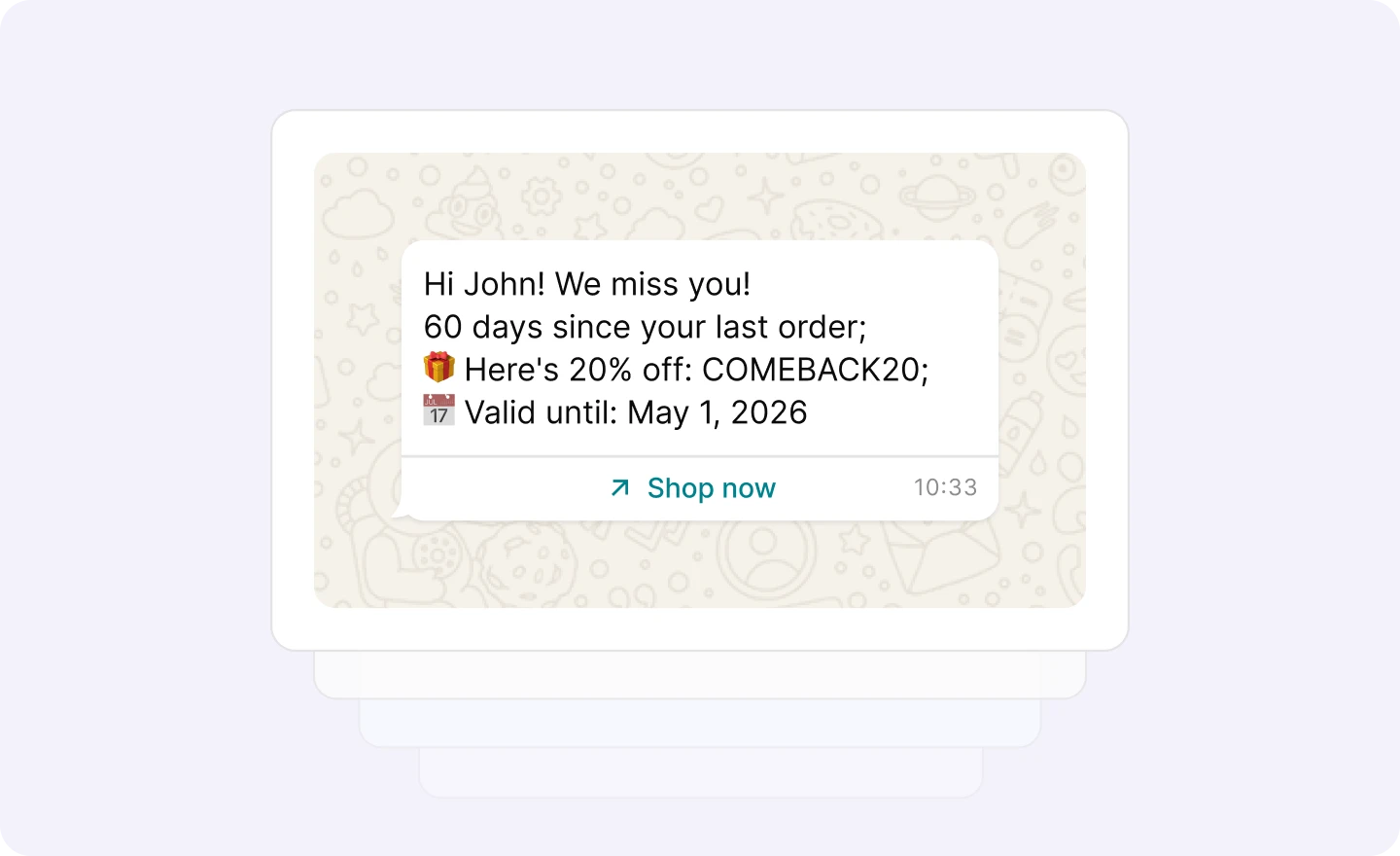
Give customers a reason to come back with loyalty program reminders, check-ins and customer experience surveys. -
![]()
Account & security
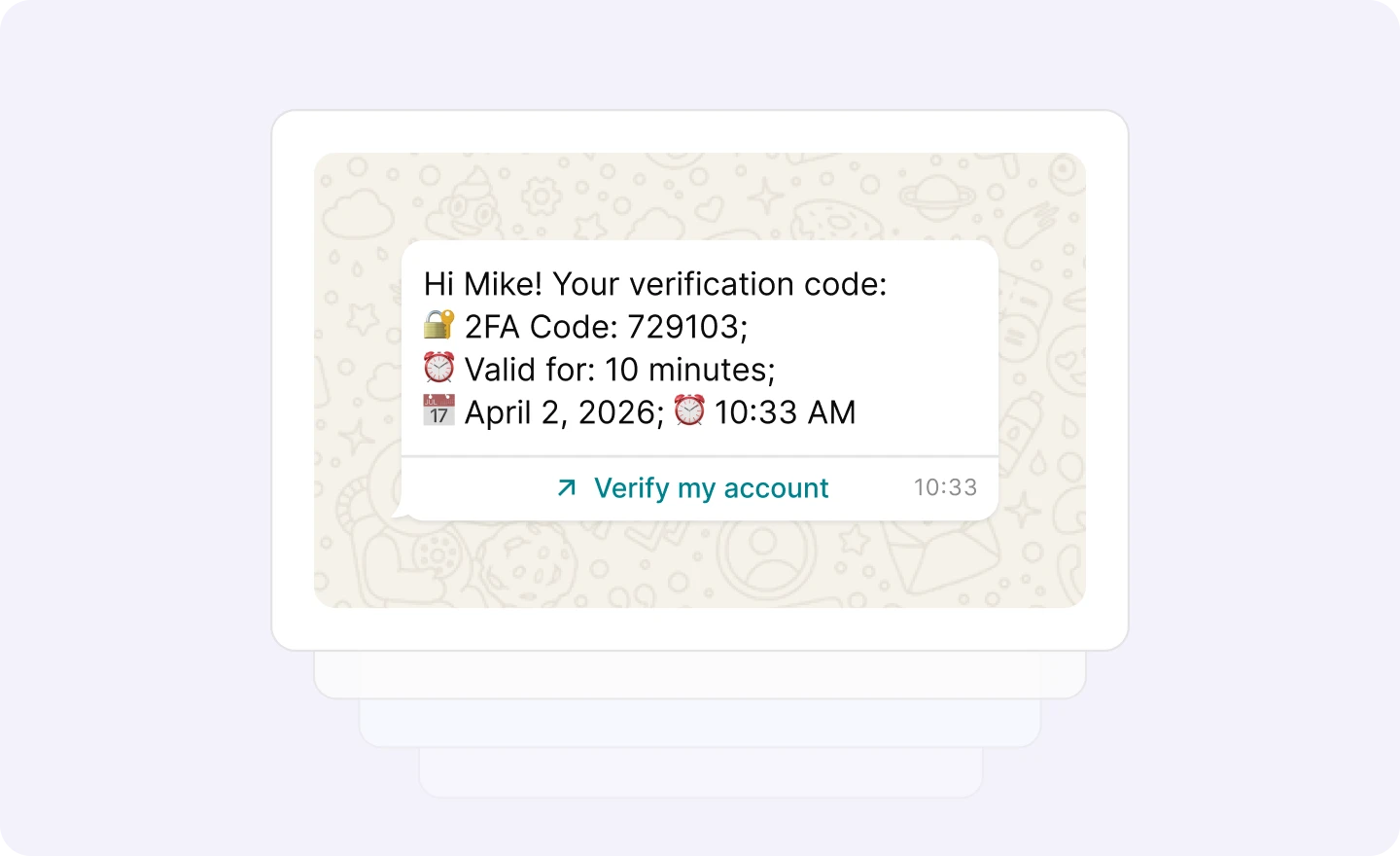
Protect customers with OTPs, 2FA messages and password resets that ensure a secure, pain-free user experience.


Launch fast without the integration bottleneck
curl -X POST \
https://api.mailersend.com/v1/email \
    -H 'Content-Type: application/json' \
    -H 'X-Requested-With: XMLHttpRequest' \
    -H 'Authorization: Bearer {place your token here without brackets}' \
    -d '{
        "from": {
            "email": "your@email.com"
        },
            "to": [
        {
            "email": "your@client.com"
        }
        ],
        "subject": "Hello from MailerSend!",
        "text": "Greetings from the team, you got this message through MailerSend.",
        "html": "Greetings from the team, you got this message through MailerSend."
    }'
import { MailerSend, EmailParams, Sender, Recipient } from "mailersend";
const mailerSend = new MailerSend({
api_key: "key",
});
const sentFrom = new Sender("you@yourdomain.com", "Your name");
const recipients = [
new Recipient("your@client.com", "Your Client")
];
const emailParams = new EmailParams()
.setFrom(sentFrom)
.setTo(recipients)
.setReplyTo(sentFrom)
.setSubject("This is a Subject")
.setHtml("This is the HTML content")
.setText("This is the text content");
await mailerSend.email.send(emailParams);$mailersend = new MailerSend();
$recipients = [
new Recipient('your@client.com', 'Your Client'),
];
$emailParams = (new EmailParams())
->setFrom('your@email.com')
->setFromName('Your Name')
->setRecipients($recipients)
->setSubject('Subject')
->setHtml('Greetings from the team, you got this message through MailerSend.')
->setText('Greetings from the team, you got this message through MailerSend.');
$mailersend->email->send($emailParams);php artisan make:mail ExampleEmail
Mail::to('you@client.com')->send(new ExampleEmail());from mailersend import emails
mailer = emails.NewEmail()
mail_body = {}
mail_from = {
"name": "Your Name",
"email": "your@domain.com",
}
recipients = [
{
"name": "Your Client",
"email": "your@client.com",
}
]
mailer.set_mail_from(mail_from, mail_body)
mailer.set_mail_to(recipients, mail_body)
mailer.set_subject("Hello!", mail_body)
mailer.set_html_content("Greetings from the team, you got this message through MailerSend.", mail_body)
mailer.set_plaintext_content("Greetings from the team, you got this message through MailerSend.", mail_body)
mailer.send(mail_body)require "mailersend-ruby"
# Intialize the email class
ms_email = Mailersend::Email.new
# Add parameters
ms_email.add_recipients("email" => "your@client.com", "name" => "Your Client")
ms_email.add_recipients("email" => "your@client.com", "name" => "Your Client")
ms_email.add_from("email" => "your@domain.com", "name" => "Your Name")
ms_email.add_subject("Hello!")
ms_email.add_text("Greetings from the team, you got this message through MailerSend.")
ms_email.add_html("Greetings from the team, you got this message through MailerSend.")
# Send the email
ms_email.sendpackage main
import (
"context"
"os"
"fmt"
"time"
"github.com/mailersend/mailersend-go"
)
func main() {
// Create an instance of the mailersend client
ms := mailersend.NewMailersend(os.Getenv("MAILERSEND_API_KEY"))
ctx := context.Background()
ctx, cancel := context.WithTimeout(ctx, 5*time.Second)
defer cancel()
subject := "Subject"
text := "This is the text content"
html := "This is the HTML content"
from := mailersend.From{
Name: "Your Name",
Email: "your@domain.com",
}
recipients := []mailersend.Recipient{
{
Name: "Your Client",
Email: "your@client.com",
},
}
// Send in 5 minute
sendAt := time.Now().Add(time.Minute * 5).Unix()
tags := []string{"foo", "bar"}
message := ms.Email.NewMessage()
message.SetFrom(from)
message.SetRecipients(recipients)
message.SetSubject(subject)
message.SetHTML(html)
message.SetText(text)
message.SetTags(tags)
message.SetSendAt(sendAt)
message.SetInReplyTo("client-id")
res, _ := ms.Email.Send(ctx, message)
fmt.Printf(res.Header.Get("X-Message-Id"))
}import com.mailersend.sdk.Email;
import com.mailersend.sdk.MailerSend;
import com.mailersend.sdk.MailerSendResponse;
import com.mailersend.sdk.exceptions.MailerSendException;
public void sendEmail() {
Email email = new Email();
email.setFrom("name", "your email");
email.addRecipient("name", "your@recipient.com");
// you can also add multiple recipients by calling addRecipient again
email.addRecipient("name 2", "your@recipient2.com");
// there's also a recipient object you can use
Recipient recipient = new Recipient("name", "your@recipient3.com");
email.AddRecipient(recipient);
email.setSubject("Email subject");
email.setPlain("This is the text content");
email.setHtml("This is the HTML content");
MailerSend ms = new MailerSend();
ms.setToken("Your API token");
try {
MailerSendResponse response = ms.emails().send(email);
System.out.println(response.messageId);
} catch (MailerSendException e) {
e.printStackTrace();
}
}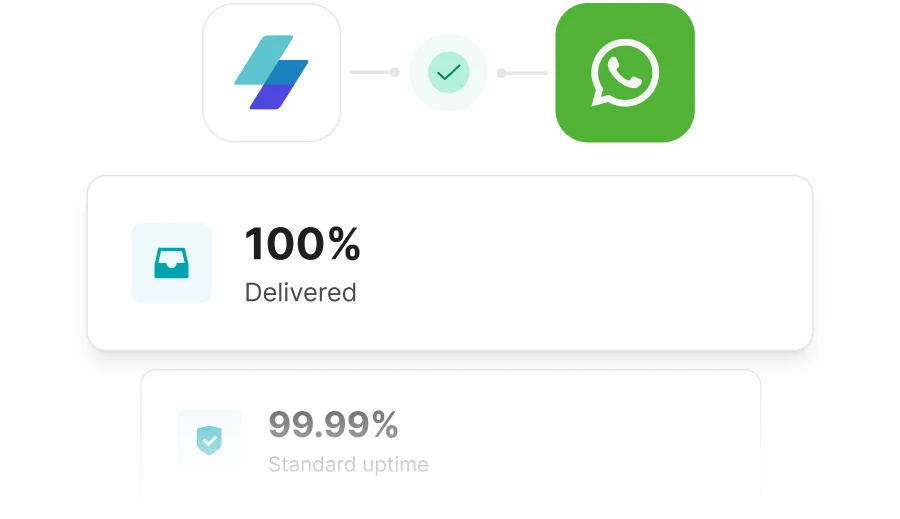
Delivered reliably with 98% open rates
Take full advantage of WhatsApp’s high engagement rates thanks to our powerful infrastructure, exceptional deliverability and 99.99% standard uptime.
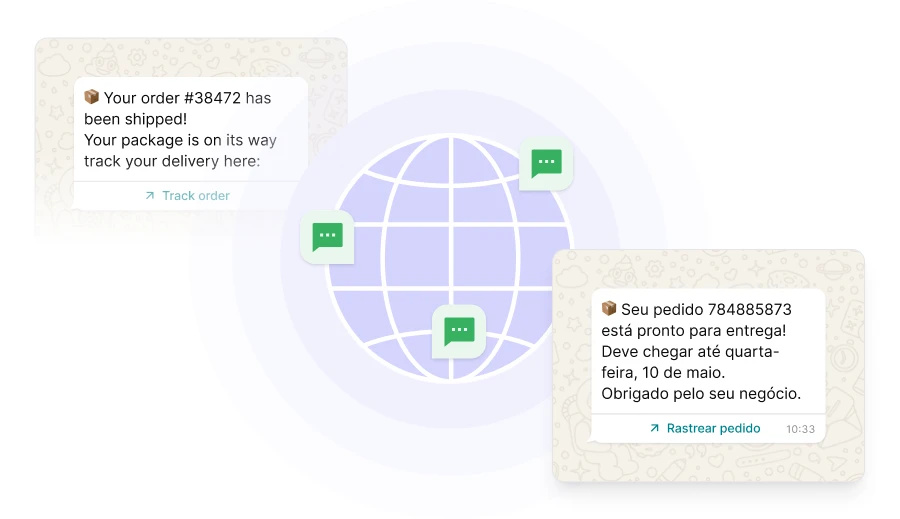
Localized feel, global reach
Deliver WhatsApp transactional messages to customers in 180+ countries, instantly, with the same reliability across every border.
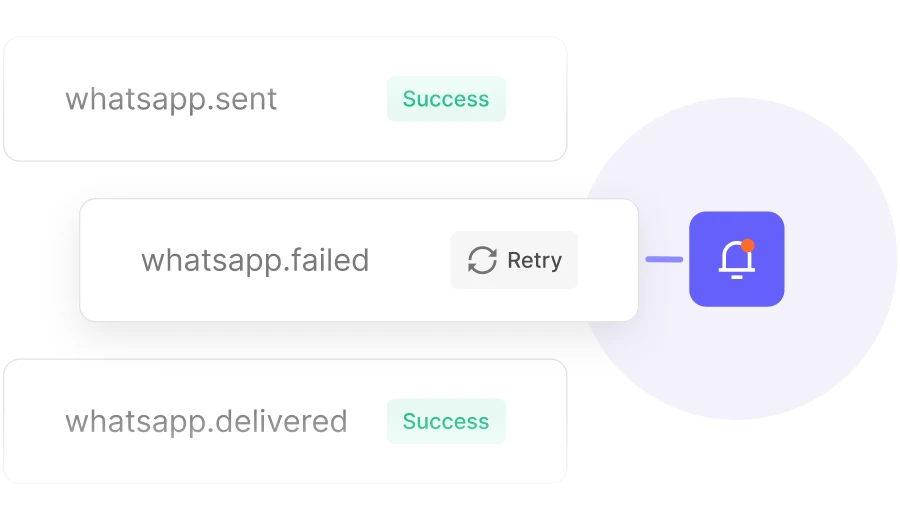
Full visibility into every e-commerce message
Track every message that’s queued, failed, sent and delivered, and set up webhook notifications to catch potential issues and trigger workflows based on message status.
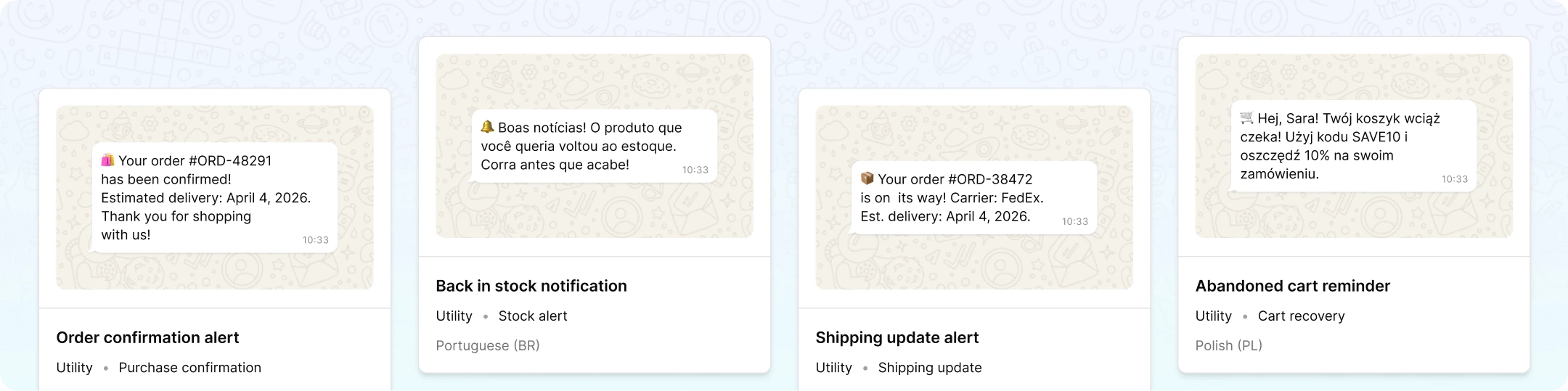
Quickstart e-commerce template library
Start sending fast with multilingual, pre-approved e-commerce WhatsApp message templates, plus more for authorization and utilities such as OTPs, security alerts, account verification and beyond.
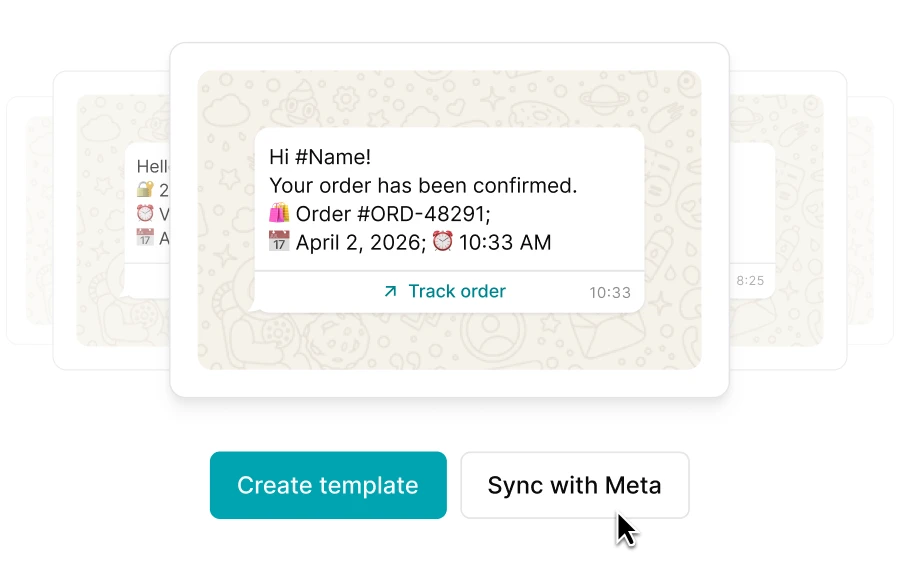
Meta templates synced automatically
Keep using the WhatsApp transactional messages that are already powering your e-commerce communications by syncing templates from your Meta business account with a click.
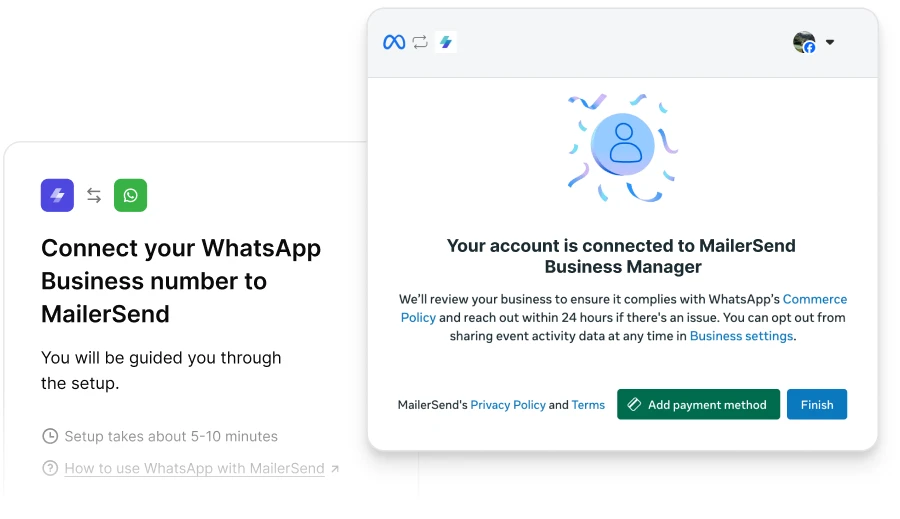
In-app approvals and quality tracking
Connect your Meta Business account and then easily manage templates, track approval statuses and monitor quality scores from the MailerSend WhatsApp dashboard.
Your e-commerce, omnichannel messaging solution

Reliable Email API
Fast transactional email delivery for e-commerce with built-in deliverability tools, inbound routing, user-friendly template builders, and more.

High-volume SMS*
Toll-free SMS delivery that lets you reach customers' phone numbers when they don't have a WhatsApp account.
*U.S. & Canada

Multi-channel strategy
Combine WhatsApp, email and SMS to reach more customers with cross-channel workflows and fallback strategies.

Customer support that really cares
Our fast, responsive support team is happy to help you every step of the way, from connecting your account to sending your first message and beyond.
Try WhatsApp for your e-commerce business free!
Sign up for free and test our WhatsApp API right away in the sandbox environment. Then upgrade your subscription for as little as $7/month to start sending WhatsApp messages to your customers.
FAQS
Can I send marketing campaigns or promotions via WhatsApp with MailerSend?
In line with WhatsApp’s messaging guidelines, MailerSend’s WhatsApp API is for sending transactional messages (in the WhatsApp Authentication and Utilities categories) only.
How long does Meta take to approve message templates?
It typically takes anywhere from 30 minutes, up to 24 hours for Meta to approve message templates.
How does WhatsApp pricing work?
WhatsApp is available as an add-on for Hobby, Starter and Professional plans. There are 3 bundles available: 1,000 messages for $5/month with additional messages charged at $2.50/1,000, 10,000 messages for $10/month with additional messages charged at $0.50/1,000, and 50,000 messages for $20/month with additional messages charged at $0.20/1,000. This doesn’t include Meta’s costs for messages.
Do I need a separate phone number for WhatsApp?
Yes, to set up WhatsApp Business messaging you need a unique phone number that is not associated with any other WhatsApp account. You can get your own phone number or get one from Meta during the connection process.
How quickly are messages delivered?
WhatsApp messages are typically delivered instantly.
Which countries can I send WhatsApp messages to?
WhatsApp messaging is available for over 180 countries.
What do I need to start sending WhatsApp messages from my store?
To get started with WhatsApp, you’ll need a MailerSend Hobby, Starter or Professional subscription and the WhatsApp add-on. You’ll also need a Meta Business account with admin access and a WhatsApp Business account and phone number. You can then follow the steps in the app to connect your account and start sending.
Can I test WhatsApp before going live?
Yes, you can test our WhatsApp API for free with the Sandbox feature on any MailerSend plan.
Does WhatsApp work with Shopify, WooCommerce, or my custom store?
Yes, you can use WhatsApp for Shopify, WooCommerce and other platforms and custom online stores.
Are my customers required to opt in to WhatsApp messages?
Yes, unlike transactional emails, for transactional WhatsApp messages or SMS, you are required to have customers opt in to receive them.
Can I use the same MailerSend account for email, SMS, and WhatsApp?
Yes! There is no need for separate accounts or platforms. You can manage transactional emails, SMS and WhatsApp messages from the same place.