How to package transactional messaging as a managed agency service

Password resets, order confirmations, verification emails... They're not the flashy marketing campaigns that promote and sell, but they are the messages that keep operations running smoothly and customers engaged.
Transactional messages are programmatically triggered from an app or website every time someone completes an action; no weekly campaign creation. Set them up, monitor, and tweak when necessary.
And although email is the cornerstone of transactional communication, more and more businesses are adopting SMS and instant messaging (like WhatsApp) thanks to their quick delivery and high engagement rates. Meaning there's no better time to productize omnichannel transactional messaging as a service.
In this guide, we’ll cover why agencies should productize transactional email, what you should be charging for, and how you can package transactional messaging for your clients.
Why agencies should productize transactional email
Many agencies approach transactional email as a one-time project, often bundled in with app and website development. The opportunity lies in treating it as a larger, ongoing project that serves as the foundation of a recurring monthly retainer. Here’s why introducing transactional email to your offering is well worth considering:
Most clients don’t understand the infrastructure: Authentication, domain and IP reputation, bounce management, deliverability monitoring, blocklists… Email is much more complex than most realize, and without a dedicated specialist, it’s difficult to manage along with the dozens of other tasks clients need to take care of.
Maintenance is relatively lightweight: After the initial integration, monitoring and maintenance take up much less time. For most clients, that will come in at a couple of hours per month for reporting, deliverability checks and template changes. You can also streamline the process by setting up workflows and webhook notifications to handle errors and deliverability issues, automating part of the monitoring process. Plus, you can create custom activity and analytics dashboards, or give clients user access to check performance themselves.
It improves client retention: The need for ongoing maintenance increases the chances of getting clients on a monthly retainer, which makes them stickier than project-based clients. Once integrated, they’ll rely on you for their critical messaging, and if done right, they’ll be much more likely to stick around since switching providers, re-integrating, and risking deliverability make the cost of leaving high.
It gives you an edge over competitors: Web development, IT services, branding, digital strategy, and email marketing all have pretty well-established playbooks for agency-managed services. Transactional email, on the other hand, is a service often overlooked by agencies or bundled in with other projects, meaning that your competitors are likely missing out on the opportunity to offer transactional messaging in a structured, priced way.
Understanding your costs
Before you can package your service, you need to understand your platform costs and how this breaks down for different types of clients. MailerSend’s Professional plan is designed specifically for agencies managing the emails of multiple clients and brands, and pricing has been made as straightforward as possible.
The plan includes unlimited domains and sender identities, which means you can purchase a single plan and manage all of your clients’ transactional email on it. There’s no need to keep track of multiple accounts and billing. You’ll also get tons of features built in, which you can use to create premium service tiers or custom plans for clients.
Finally, pricing is based on volume. Subscribe to a plan that includes the volume of emails you’ll need to cover your clients’ sendings, then track how many emails they send for the month to calculate their share of the platform costs.
For example, if you manage the email for 15 clients, with an average of around 8,000 emails per month, you’d need a Professional 100K plan for $140/month, plus 20K overage at $26 for a total of $166/month. If you charge these clients $149/month each, your gross revenue would be $2,225, against a platform cost of $166.
That gives you a gross margin of 92.5% before you factor in staff hours allocated to monitoring, reporting, and occasional template updates and troubleshooting. And these are typically minimal for a well-integrated transactional setup.
Example: Agency pricing model
So, how could your pricing look for transactional messaging as a service? The framework below doesn’t include initial setup costs and is designed as a guide that can be adapted for your agency's rates and clients.
For higher volumes (50-250K), a price range allows for fairer pricing for the client. Devising additional tiers within this segment will allow you to price fairly, while keeping billing and tracking simple.
This example uses the Professional 1M volume plan for platform share estimates. We've added occasional labor costs as an example, but with a well-implemented setup and proper monitoring, you could expect this to be minimal.
Essential for SMBs (up to 10K) | Professional for growing clients (up to 50K) | High-volume senders (up to 250K) | |
Price | $199/month | $399/month | $999/month |
Includes | Email only | Email only | Email & SMS |
Email platform share | $10 (10K × $0.001) | $50 (50K × $0.001) | $250 (250K × $0.001) |
SMS | - | - | $54 (2 phone numbers + 5K SMS) |
Monthly reporting | $20 | $30 | $50 |
Template changes | On request | On request | On request |
Deliverability troubleshooting | If triggered | If triggered | If triggered |
Integration/account support | If triggered | If triggered | If triggered |
Costs for occasional labor | $50-$100 | $100-$200 | $250-$350 |
Margin | $69–$119/mo (35–60%) | $119–$219/mo (30–55%) | $295–$395/mo (30–40%) |
*Margin estimates are illustrative and based on MailerSend Professional plan costs. Your actual margins will depend on plan tier, volumes and labor costs.
Pitching transactional messaging as a service
Most businesses understand that transactional messaging is crucial for their operations. But often, they’re unaware of the complexities of managing email infrastructure and deliverability, and how it impacts their ability to reach inboxes. What's more, building custom integrations with platforms like WhatsApp and mobile carriers can be extremely complex and time-consuming.
Clients need to understand what will happen if their transactional messaging is left unchecked without proper maintenance, that your services will ensure reliable, consistent delivery, and if any hiccups occur, you’ll be on the case to fix issues fast so they don’t need to worry about it.
Use these short talk track examples to inspire your pitches:
Opening:
“Your [transactional emails, e.g., order confirmations/shipping updates/booking confirmations/check-in reminders/appointment reminders/password resets/onboarding emails] are being sent, but do you know if they’re landing in inboxes? Is anyone monitoring to make sure your deliverability stays on track?"
E-commerce
“A single issue during a peak sales period can snowball into thousands of support tickets and damage your domain reputation. We manage the full infrastructure and monitor every aspect of your sending activity to keep your sender reputation healthy. Plus, we can implement SMS and WhatsApp messaging to keep your customers updated on the channels they check more frequently.”
Hospitality
“Deliverability issues can result in guests not receiving confirmation emails, confusion about check-in times and procedures, and damage to your reputation and brand trust. We take ownership of the full infrastructure: monitoring sender reputation, managing bounce rates and other issues before they affect your domain health. We make sure every message reaches the inbox it’s supposed to. Your team can stop fielding avoidable calls, no-shows are reduced, and your guests arrive stress-free and prepared because your communication was delivered reliably. And with SMS and WhatsApp, you can reach guests in seconds on the channel they’re most likely to see, a must for critical notifications.”
Services
“Your team shouldn't be spending time chasing no-shows or manually juggling rescheduling requests. We handle the full outbound and inbound workflows for your routine communication, freeing your staff to focus on higher-value work. Automated reminders cut down on no-shows, and clients can change or cancel their bookings with a simple text reply, eliminating the need for phone calls and manual updates on your end. On top of that, our continuous monitoring keeps your messages landing in the right place, so that's one less operational concern for you to worry about.”
SaaS
“Transactional messages like password resets, OTPs, verification emails, onboarding sequences and other alerts are mission-critical for your product. If they go to spam or get rejected, your churn increases and your activation rates drop. It only takes one bad communication experience for a user to jump ship to a competitor. Not to mention the increased support cases that inflate your team’s already full workload. We set up and optimize the sending integration for your domain and monitor deliverability and API requests daily to make sure bounces are minimal and your domain reputation is in good standing.”
Common objections
It seems expensive: What’s the cost of your order confirmation or verification emails going undelivered? This is the infrastructure that’s critical to your operations. The retainer covers monitoring, automated workflows, reporting, ongoing management, and troubleshooting, not just sending.
We can handle it ourselves: You could, but your developers’ time costs more per hour than this retainer, and is maintaining email infrastructure where you want your team dedicating their attention? Outsourcing your email frees them up for product work, plus we have the email infrastructure and deliverability expertise to ensure your messages reach inboxes consistently and your reputation is protected.
We don’t send enough volume to justify the cost: Volume isn’t really the key issue; reliability is. Even a few missed emails a week can result in lost revenue. If we can recover those and maintain consistent inbox placement, we’ve paid for ourselves.
We don’t want a third-party touching our client communications: That’s a fair concern. You’ll stay in full control of your content and branding; we just handle the integration and deliverability monitoring. Don’t think of us taking over your communications, but as the engine that makes them run.
How do we know our and our customers’ data is safe with you?: We follow GDPR guidelines to the tee and only use platforms that do the same. We can walk you through our data handling practices, security measures, and anything else you’d like to know. We take data privacy very seriously, and we’re happy to put that in writing.
Migrating from our current setup sounds like a headache: We’ve done this before, and we’ll manage the entire transition for you. We’ll map out the pipeline, handle the migration, and make sure nothing breaks in the process. It’s usually much smoother than you’d expect!
Setting up your agency account with MailerSend
Getting started with MailerSend is quick and pain-free, and you can try out the platform for free, sending your first email in minutes. When you’re ready to get started with an agency account, follow these steps:
1. Upgrade to a Professional plan
The Professional plan is recommended and designed for agencies to effortlessly manage multiple clients’ transactional emails. It gives you unlimited domains, users, and templates, as well as access to SMS and WhatsApp.
To upgrade:
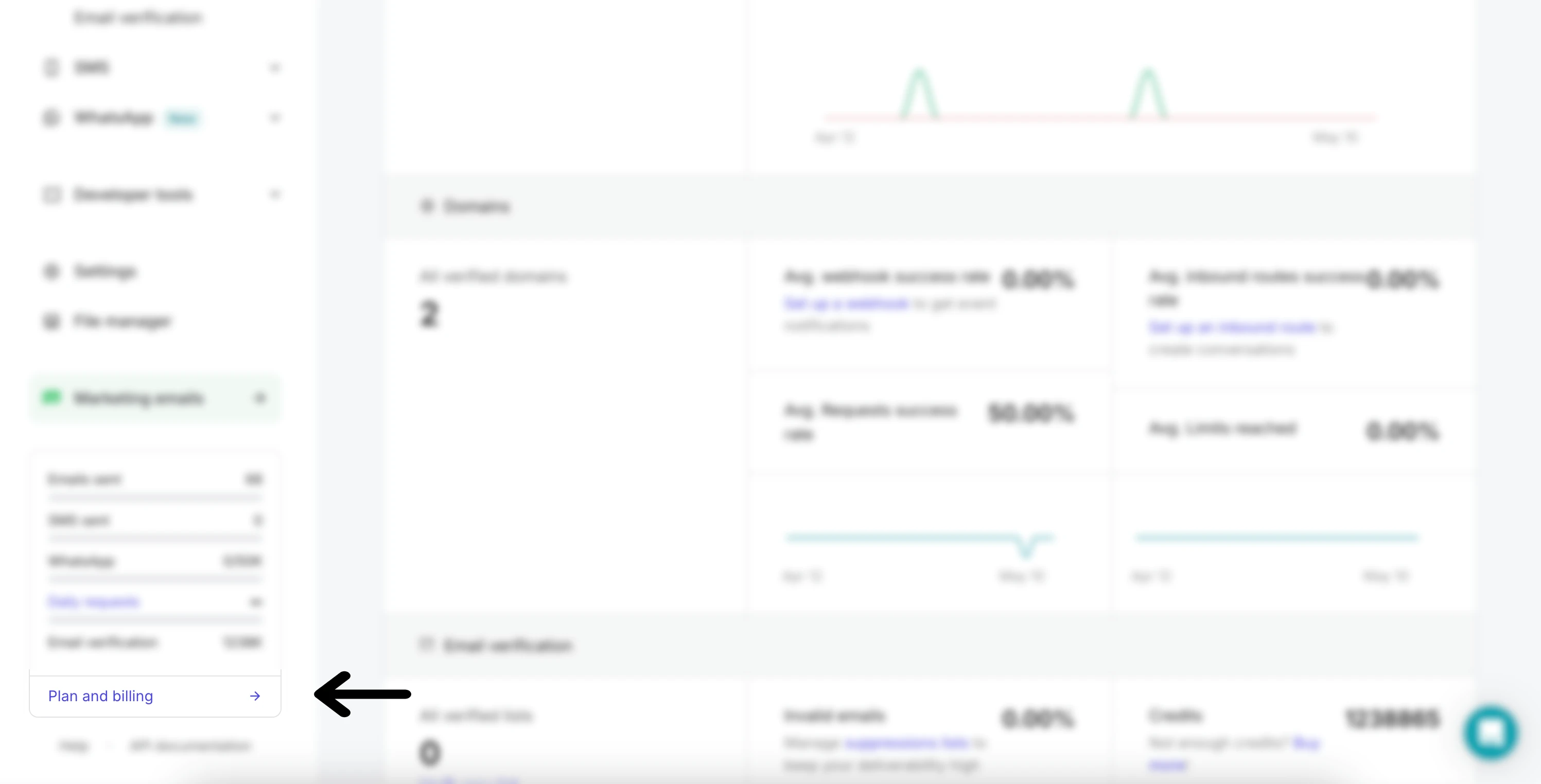
a) Log in to your account and navigate to Plan and billing from the left-hand menu.
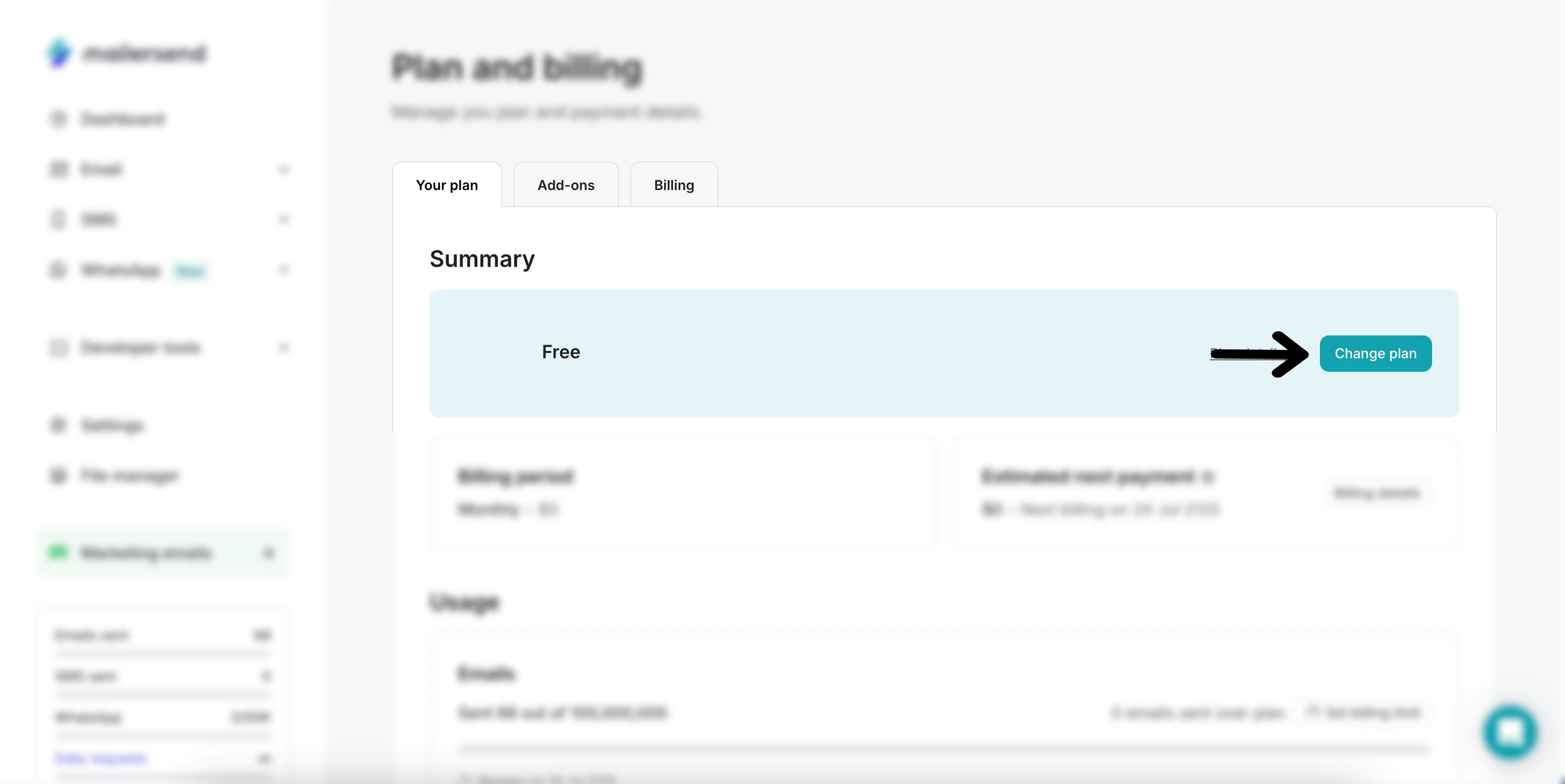
b) In the Your plan tab, click Change plan.
c) Select your monthly email volume with the slider (Professional plans start at 50,000/month), and choose whether to pay monthly or yearly (yearly subscriptions receive an annual discount). Then click Upgrade.
d) Confirm your plan on the checkout page and enter your billing details. You can also include various add-ons in your purchase. Once you’re ready, click Checkout to complete the purchase.
2. Create your first client sub-account
There are 2 methods for onboarding clients: domains and sender identities. Domains are suitable for most use cases, and sender identities are suited to low-volume, occasional senders.
To add a client via the domain method:
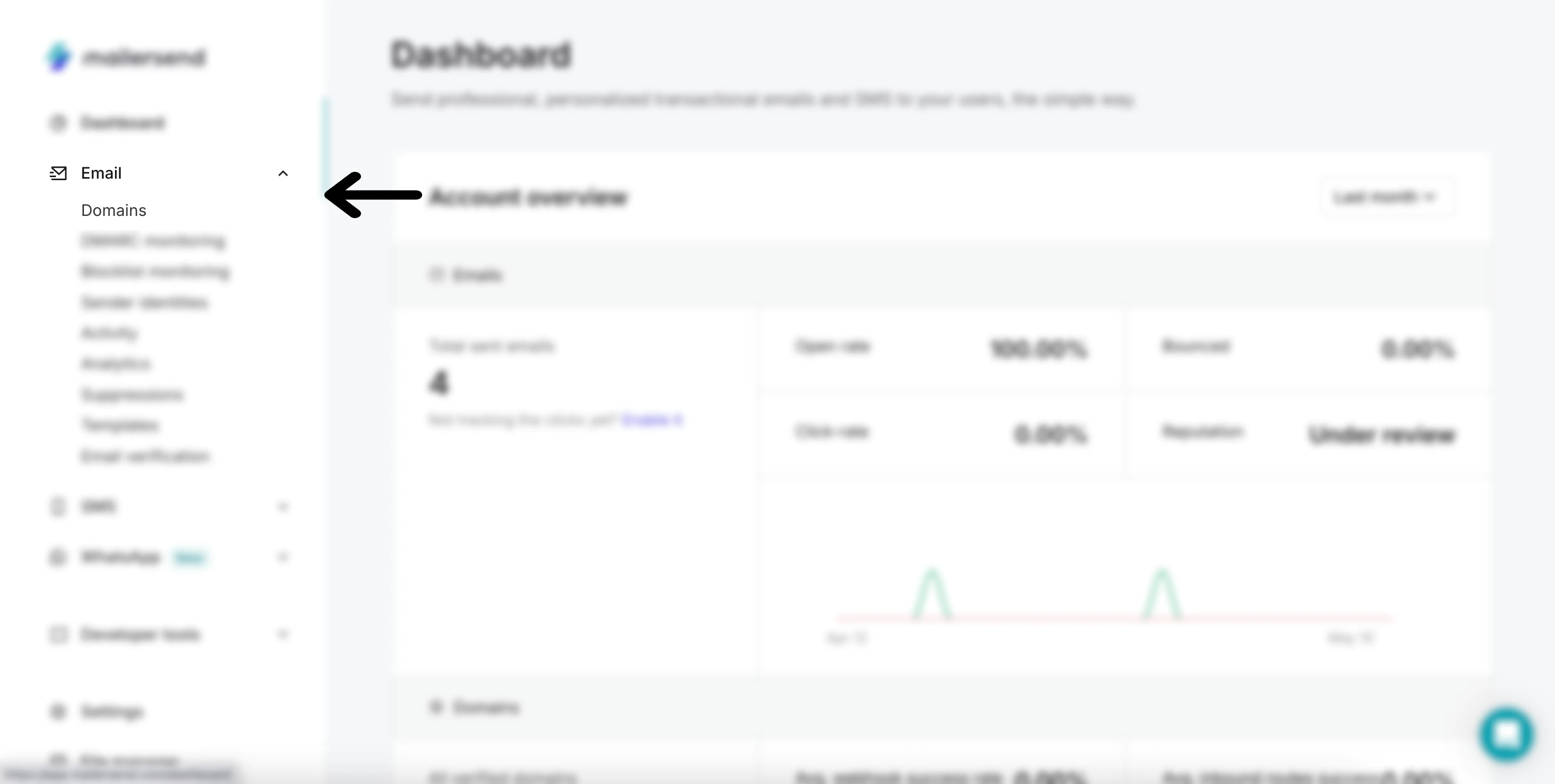
a) In the left-hand menu, click Email then Domains.
b) Click the Add domain button, enter your domain in the field and click Add domain again.
c) Follow the instructions to add the authentication records to your client’s domain DNS zone. If automatic domain verification is available for the domain host, you can do this automatically by simply authorizing MailerSend to do so when prompted. You can also share the DNS records with another person if they will be handling the domain.
d) When the authentication records have been added, check the I have added DNS records option on the domain settings page, and click Finish verification.
Domains are usually verified quickly, but can take up to 48 hours depending on the host. When verification is complete, the status will be updated to Verified on the Domains page.
To add a client via the sender identity method:
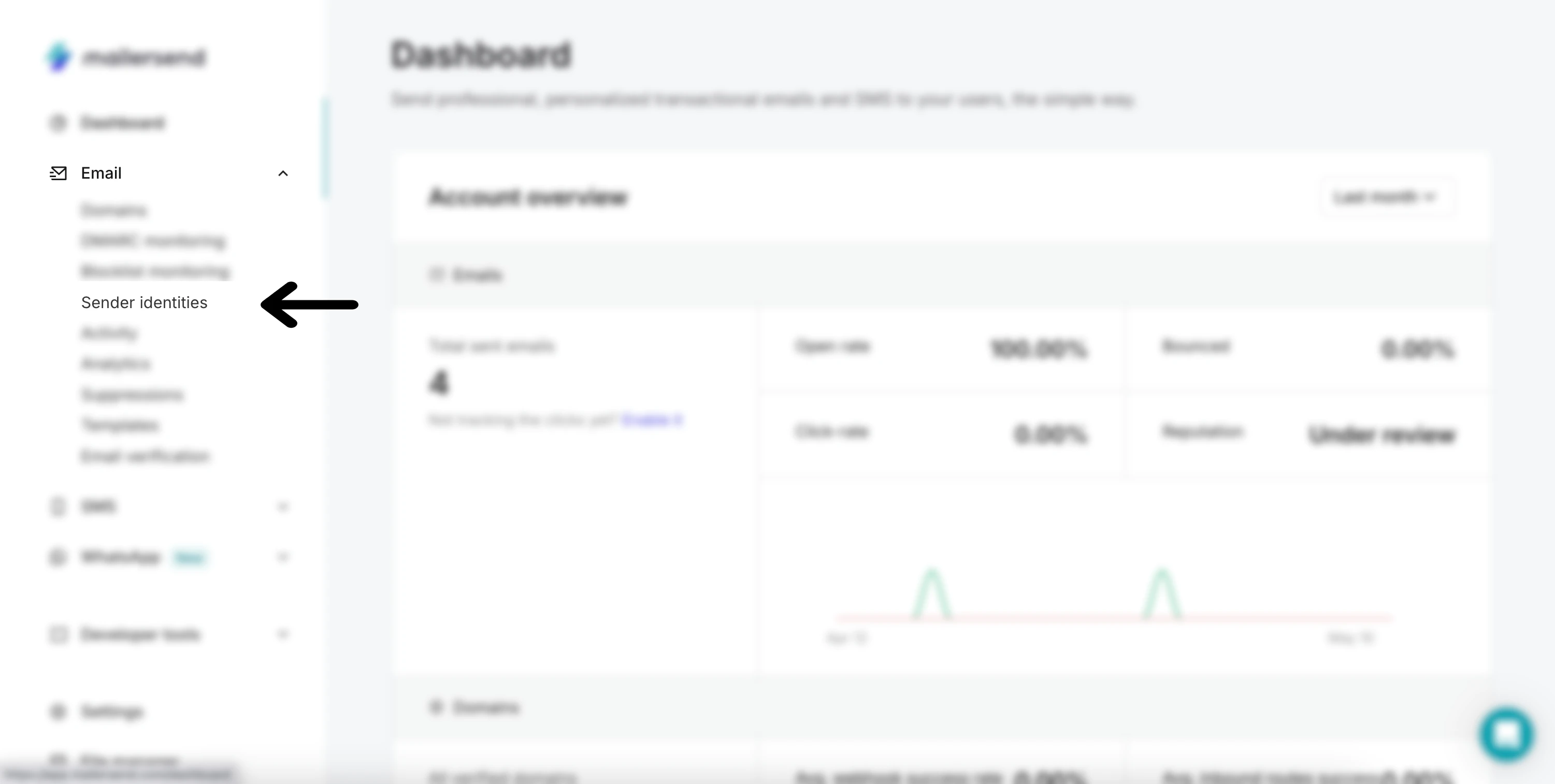
a) In the left-hand menu, click Email then Sender identities.
b) Click the New identity button and choose the domain you would like the identity to be associated with.
c) Fill in the Sender identity details and click Next: Review.
d) Confirm that the details you have entered are correct and click Create sender identity. The verification email will be sent to your client. Once they confirm the email address, it will be available for use.
Once you’ve added your client, you’ll be able to start sending emails for them, monitor their activity, give them user access (if they’ve been onboarded via the domain method), create templates, and more.
Start small and scale
You don’t need to launch a fully productized, tiered service from day one. How you structure your offering and the full extent of labor will become better defined over time. Start out with an existing client for whom you’ve already integrated transactional email, and introduce the managed service as a pilot run.
Monitor deliverability, troubleshoot and support where necessary, get a solid understanding of the ongoing workload, and document everything you do to streamline the process. With a well-defined playbook for managing transactional messaging and solid integration practices, you’ll be able to onboard clients fast and lock in favorable margins thanks to minimal monthly maintenance.